
CapRover Deployed
Get a VPS with CapRover installed using our scripted deployment process, without having to install the platform yourself.
Deploy Docker applications on your own high-performance UK VPS without installing CapRover from scratch. We deploy CapRover for you, giving you a flexible application hosting platform with the choice of Managed or Unmanaged VPS hosting.
Spend more time building applications and less time setting up deployment infrastructure. Farbyte CapRover VPS hosting combines the simplicity of CapRover with the flexibility of your own KVM virtual server. We deploy the platform for you so you can get started with your applications.
Get a VPS with CapRover installed using our scripted deployment process, without having to install the platform yourself.
Deploy and manage Docker-based applications through CapRover's web interface.
Choose whether Farbyte manages your VPS or you take responsibility for server administration.
Run your applications on Farbyte's UK KVM platform, backed by AMD EPYC processors and NVMe storage.
Choose the resources your applications need. Configure your VPS with the CPU, RAM and NVMe storage required for your workloads, then choose Managed or Unmanaged hosting. CapRover deployment is available with either option.
CapRover requires resources for both the platform and the applications running on it. Consider the number of applications, their memory requirements, build processes, databases and expected traffic when configuring your VPS. Our team can help if you’re unsure what to choose.
Both options give you your own VPS with CapRover deployed. The difference is who looks after the underlying server. Choose Managed VPS if you want Farbyte to handle server administration, or Unmanaged VPS if you prefer to manage the operating system and Docker environment yourself.
| Feature | Popular Managed CapRover VPS | Unmanaged CapRover VPS |
|---|---|---|
| CapRover deployment | Included | Included |
| VPS administration | Farbyte | You |
| Operating system updates | Farbyte | You |
| Server security hardening | Included | Your responsibility |
| Server monitoring | 24/7 managed monitoring | Infrastructure monitoring |
| VPS backups | Included with Managed VPS | According to selected backup service |
| Root access | Available | Available |
| CapRover applications | You manage your applications | You manage your applications |
| Application deployment | You | You |
| Application updates and configuration | Your responsibility | Your responsibility |
| Suitable for | Developers and businesses that prefer managed server infrastructure | Developers and administrators who want full server control |
Important: Managed VPS refers to management of the underlying server, not fully managed CapRover applications. You remain responsible for your application code, containers, application updates, databases and configuration. Application-specific management can be discussed separately where required.
CapRover brings common deployment and application-management tasks together in one web interface. Whether you’re deploying a small web application, a database-backed service or several Docker applications, it provides tools to simplify the process.
Use CapRover's application catalogue to deploy supported applications and services with less manual setup.
Deploy your own applications using Docker images and supported source-code deployment methods.
Connect your own domains and subdomains to applications hosted on your CapRover VPS.
Use CapRover's built-in Let's Encrypt integration to enable HTTPS for supported application domains.
Manage application-specific configuration and environment variables through the CapRover dashboard.
Adjust application instance counts and allocate additional VPS resources as your requirements grow.
Manage applications, deployments, domains and common settings from a central web interface.
Configure persistent volumes for applications that need to retain data between container deployments.
From development projects to production applications, CapRover supports a wide range of Docker-based workloads. Deploy applications from its catalogue or use your own Docker images and deployment configuration.
Deploy Node.js applications, APIs and backend services in a Docker-based hosting environment.
Run containerised PHP applications and services using suitable Docker images.
Deploy Python web applications, APIs and other compatible containerised workloads.
Deploy supported database services and configure persistent storage for application data.
Deploy WordPress using a supported CapRover application template or your own container configuration.
Run your own containerised applications and services with control over their deployment and configuration.
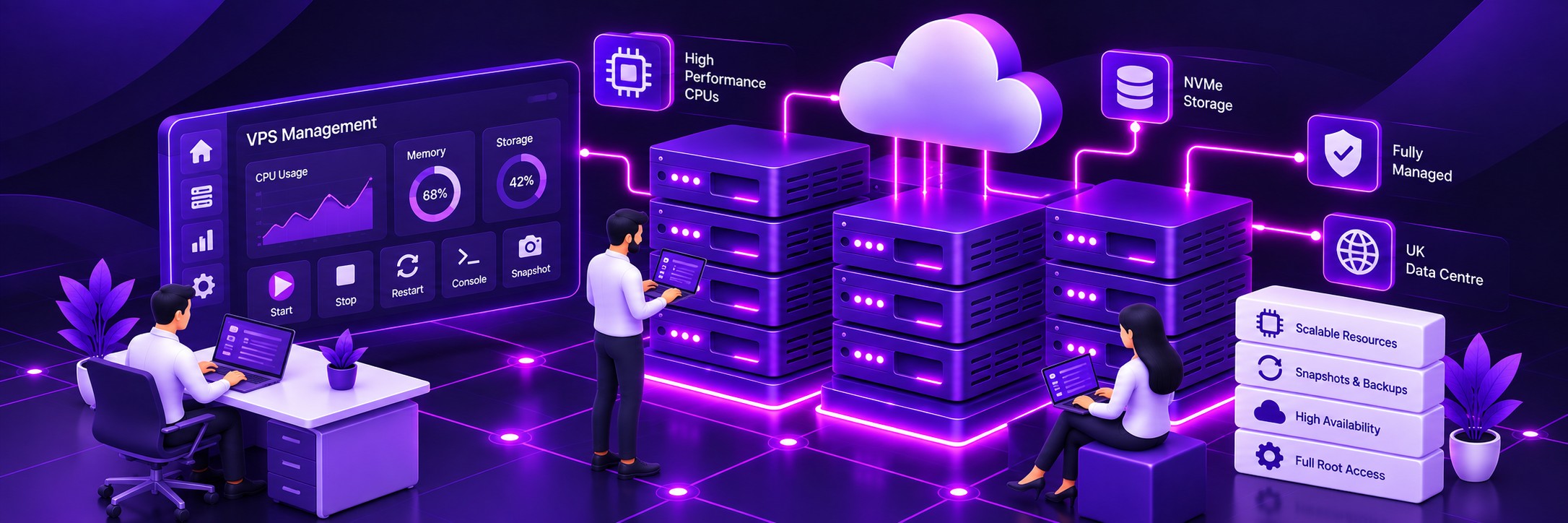
CapRover simplifies application deployment. Farbyte provides the infrastructure your applications run on, combining high-performance hardware with KVM virtualisation and distributed storage.
Enterprise processors provide computing power for application workloads and container builds.
Fast NVMe storage supports responsive application, database and container operations.
Your CapRover platform runs on its own virtual machine with allocated CPU, RAM and storage resources.
Replicated distributed storage provides a resilient foundation for your VPS data.
Host your applications on Farbyte's UK infrastructure.
Increase your VPS resources as application requirements change.
Farbyte's infrastructure includes network protection and firewall capabilities.
Get help from experienced Farbyte hosting professionals when you need assistance with your VPS.
Running an application platform involves protecting both the server and the applications deployed on it. Farbyte provides the VPS infrastructure and, with Managed VPS, ongoing administration of the underlying server. CapRover provides application deployment and configuration tools, while you control your application security and access.
Control network access to your VPS and the services you expose.
Configure HTTPS for supported domains using CapRover's Let's Encrypt integration.
Access the operating system directly when advanced configuration or troubleshooting is required.
Choose Managed VPS for Farbyte's operating system hardening and ongoing server maintenance.
Manage application settings, environment variables and exposed services through CapRover.
Discuss private networking options with Farbyte if your application architecture requires multiple connected servers.
Protecting a CapRover environment means protecting both the server and the data inside your applications. Managed VPS includes Farbyte’s server backup service, while unmanaged customers can choose suitable backup arrangements for their requirements.
Use the backup service available with your selected VPS plan for server-level recovery.
Plan appropriate backups for persistent Docker volumes, databases and other application data.
Use CapRover's configuration backup tools where appropriate as part of your recovery strategy.
Make sure you have a tested recovery process for both your CapRover configuration and the applications it hosts.
CapRover configuration backups do not automatically include all Docker images and persistent volumes. Applications and databases may require their own backup and recovery procedures in addition to VPS-level backups.
Get CapRover installed through our scripted deployment process.
Run your applications on an independent KVM virtual machine.
Choose the server management arrangement that suits your requirements.
Host your applications on Farbyte's UK cloud platform.
Adjust CPU, RAM and storage as your application requirements change.
Get direct technical assistance from an established hosting provider.
Farbyte has provided hosting and infrastructure services since 2006.
Expand into additional VPS or Virtual Data Centre infrastructure as your needs grow.
A low cost solution with the ability to grow.
Their support level has been above & beyond expectation.
The only hosting company I would work with, 10/10.
CapRover VPS hosting provides a virtual private server running CapRover, a Docker-based application deployment platform. Farbyte provides the UK VPS infrastructure and deploys CapRover so you can manage applications through its web interface.
Yes. Farbyte offers scripted CapRover deployment with both Managed and Unmanaged VPS hosting. You’ll need to complete the appropriate domain and application configuration for your environment.
Farbyte offers Managed VPS hosting with CapRover deployment. With Managed VPS, we administer the underlying server, including operating system maintenance, hardening and monitoring. Your CapRover applications, deployments and application-specific configuration remain your responsibility unless separate arrangements are agreed.
Yes. You can choose an Unmanaged VPS with CapRover deployed and retain responsibility for the operating system, Docker environment, CapRover and your applications.
Yes. CapRover supports deploying compatible applications from Docker images and supported source-code deployment methods. You can also use its one-click application catalogue.
Yes. CapRover supports custom domains for applications. A standard setup uses a suitable root domain and wildcard DNS record pointing to your VPS. You’ll need to configure your DNS correctly before enabling domain-based services.
Yes. CapRover includes Let’s Encrypt integration for enabling HTTPS on supported application domains, provided your DNS and network configuration meet the necessary requirements.
CapRover has configuration backup and restore tools, but these do not automatically protect every Docker image or persistent volume. Managed VPS includes Farbyte’s server backup service. You should also plan appropriate application and database backups.
Yes. CapRover can host multiple compatible applications on the same VPS, subject to the available CPU, RAM, storage and network resources.
Yes. Farbyte VPS resources can be increased as your application requirements grow. Application scaling and the resources required depend on your workload and configuration.
Farbyte CapRover VPS hosting runs on UK-based infrastructure.
CapRover is open-source software. You pay Farbyte for the VPS resources, selected management service and any other agreed hosting options, rather than a separate CapRover software subscription.
Contact Farbyte with details of your current installation. Migration requirements depend on your CapRover configuration, applications, Docker volumes, databases and backup arrangements.
Get CapRover deployed on your own high-performance UK VPS. Choose Managed or Unmanaged hosting, configure the resources you need and start building your application platform.