
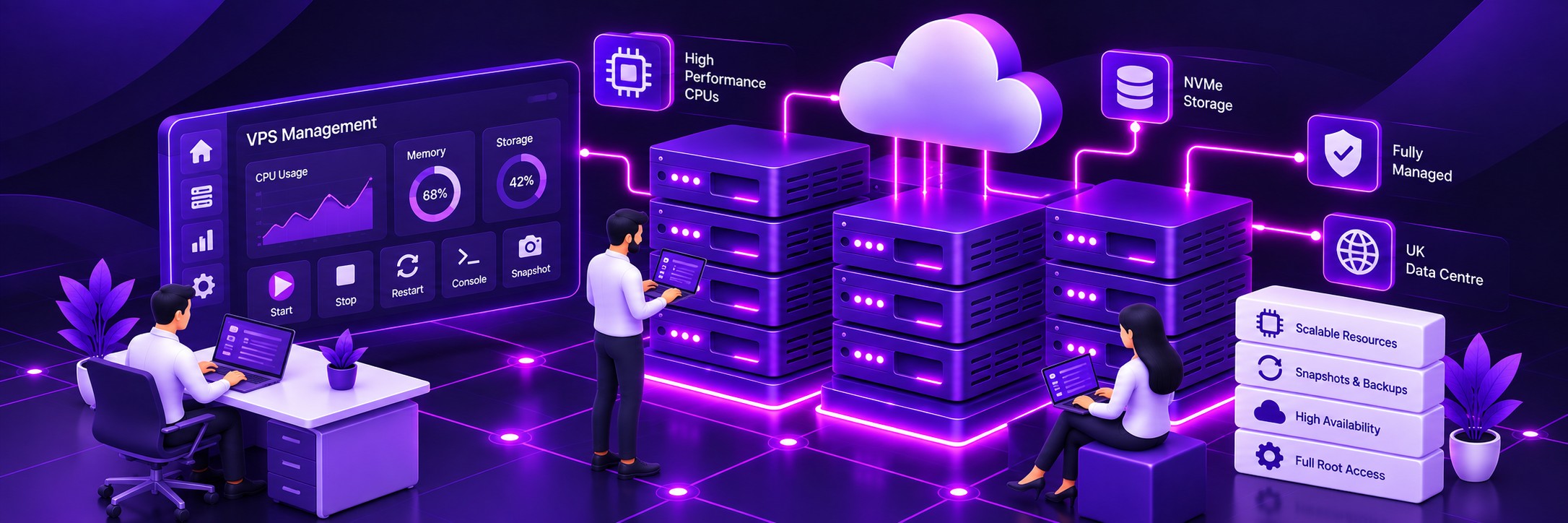
KVM Virtualisation
Run Fedora in a fully virtualised KVM environment with your own virtual server resources.
High-performance Fedora VPS hosting on Farbyte’s UK KVM cloud infrastructure. Deploy your own Fedora server with full root access, flexible resources and optional managed support.
Run Fedora on a high-performance virtual private server hosted on Farbyte’s UK cloud infrastructure. You get your own virtual machine, flexible resource allocations and full root access, giving you the freedom to configure the server around your applications and development environment.
Run Fedora in a fully virtualised KVM environment with your own virtual server resources.
High-performance AMD EPYC processors provide the computing power needed for modern Linux workloads.
Fast NVMe storage provides responsive disk performance for operating systems, applications and databases.
Host your Fedora VPS on Farbyte's UK-based cloud infrastructure, operated and managed by our team.
Choose the CPU, RAM, storage, IP addresses, bandwidth and management options that suit your requirements. Start with the resources you need today and scale your Fedora VPS as your workload grows.
Fedora is a good choice when you want a modern Linux environment with access to current software, development tools and technologies. Running Fedora on your own VPS gives you the freedom to configure the operating system and applications around your workload.
Take complete control of your Fedora server with root access and the freedom to install and configure the software you need.
Choose your CPU, RAM, storage, IP addresses and other resources rather than being restricted to a fixed server specification.
Deploy a supported Fedora release from the VPS platform and keep your operating environment current.
Monitor the resources used by your VPS and identify when additional CPU, RAM or storage may be required.

Build and test applications in a Linux environment you control.
Run Apache, Nginx and other web server software for websites and applications.
Host MariaDB, PostgreSQL and other Linux-compatible database services.
Deploy Node.js, Python, PHP and other server-side applications.
Run scheduled jobs, scripts, automation tools and background services.
Run WireGuard, OpenVPN and other VPN software on your own virtual server.
Run applications such as Nextcloud and other self-hosted services.
Install and configure your own Linux applications without the restrictions of shared hosting.
Fedora follows a faster release cycle than distributions designed around long-term stability. This makes it a useful choice for developers and administrators who want access to newer Linux software and technologies.
Deploy a supported Fedora release through the Farbyte VPS platform.
Use Fedora's package ecosystem to install current software and development tools.
Manage updates, packages and configuration yourself on an unmanaged VPS, or let Farbyte manage the underlying server.
| Feature | Unmanaged Fedora VPS | Less administration Managed Fedora VPS |
|---|---|---|
| Root access | Yes | Yes |
| Fedora installation | Included | Included |
| Server administration | You manage the server | Farbyte manages the server |
| Operating system updates | You manage updates | Farbyte manages updates |
| Security hardening | You manage hardening | Farbyte can manage server security |
| Application administration | You manage applications | You remain responsible for applications |
| Monitoring | Infrastructure monitoring | 24/7 monitoring |
| Backups | Available according to selected service | Included according to managed VPS service |
| Best suited to | Developers, administrators and Linux users | Businesses that want server administration handled |
If you want complete control over Fedora and your applications, choose an unmanaged VPS. If you’d rather have Farbyte handle the underlying server administration, security and updates, choose a managed VPS.

Host your Fedora VPS on infrastructure located in UK data centres.
High-performance server CPUs provide the processing power for demanding Linux workloads.
Distributed storage provides resilience across the underlying cloud infrastructure.
Network-level protection helps detect and filter malicious traffic before it reaches the hosting platform.
Build, test and deploy applications in a modern Linux environment you control.
Run business applications and services without maintaining physical server hardware.
Deploy Linux servers for development, testing, internal services and production workloads.
Get root access and the freedom to configure Fedora around your requirements.
Fedora, Debian and Ubuntu are all capable Linux platforms, but they have different release approaches and are often chosen for different reasons. The best option depends on the software, support lifecycle and operating environment your application requires.
| Feature | Popular Fedora | Debian | Ubuntu |
|---|---|---|---|
| Typical appeal | Current software and modern Linux technologies | Stability and conservative package updates | Broad compatibility and established server ecosystem |
| Package management | DNF / RPM | APT / Debian packages | APT / Ubuntu packages |
| Release approach | Faster-moving release cycle | Conservative release cycle with long-term support options | Regular releases with long-term support options |
| Typical workloads | Development, testing, web applications and modern Linux workloads | Websites, applications, databases and infrastructure services | Websites, applications, databases and infrastructure services |
| Administration | Full root access | Full root access | Full root access |
| Farbyte VPS | Fedora on KVM cloud infrastructure | Debian on KVM cloud infrastructure | Ubuntu on KVM cloud infrastructure |
If you’re deciding which Linux distribution to use, you can also explore our UK VPS Hosting service or configure a Debian VPS.
If you already run a Linux server elsewhere, moving to Farbyte gives you a UK-based VPS environment without requiring you to maintain physical server hardware. We can also assist with migrations where appropriate.
Get assistance moving an existing website, application or service to your new Farbyte VPS.
Start with a clean Fedora installation and configure the environment around your application.
Increase CPU, RAM and storage resources when your workload needs additional capacity.
Fedora VPS hosting is a virtual private server running the Fedora Linux operating system. Your VPS provides an isolated virtual machine with its own CPU, RAM, storage and operating system, giving you far more control than conventional shared hosting.
Farbyte provides a supported Fedora release through the VPS configurator. The available release is shown in the operating system selection when you configure your VPS.
Yes. A Farbyte Fedora VPS gives you root access to your virtual server, allowing you to install software, configure services and manage the operating system yourself.
Yes. Fedora can be used for development environments, web applications, APIs, databases, automation, testing and many other Linux workloads. It is particularly suited to users who want a modern Linux environment and access to newer software.
Yes. You can install and configure web server software such as Apache or Nginx and host websites and web applications on your Fedora VPS.
Yes. A Fedora VPS can be configured to run database software and other Linux-compatible services, subject to the resources and requirements of your application.
Yes. A Fedora VPS provides a general-purpose Linux environment where you can install Node.js, Python and other development runtimes and configure them for your application.
Yes. A Fedora VPS can be used to run VPN software such as WireGuard or OpenVPN. You retain root access and can configure the VPN environment to suit your requirements.
Yes. Farbyte offers both unmanaged and managed VPS hosting. With an unmanaged VPS you administer the server yourself. With a managed VPS, Farbyte handles the underlying server administration, security hardening, updates and monitoring.
Control panel availability depends on the panel and operating system combination supported by the selected VPS configuration. Available options are shown in the VPS configurator.
Yes. CPU, RAM and storage can be increased as your requirements grow, subject to the available configuration and resource limits of the service.
Your Fedora VPS is hosted on Farbyte’s UK-based cloud infrastructure. The underlying virtualisation and storage platform is operated and managed by Farbyte.
Backup options depend on the VPS service and configuration you select. Managed VPS services include backup facilities as part of the service, while additional snapshot options can be selected through the VPS configurator.
Managed VPS customers can have Farbyte handle server administration and security-related configuration. Unmanaged VPS customers remain responsible for their own server security and administration.
Yes. A VPS is a general-purpose virtual server, so you can run multiple applications and services on the same Fedora installation provided the VPS has sufficient CPU, RAM, storage and network capacity.
Fedora follows a faster-moving release model and is well suited to users who want newer Linux software and technologies. Debian follows a more conservative release approach and is often chosen where stability and longer support lifecycles are priorities. Both can be run on Farbyte VPS infrastructure.
Configure a Fedora VPS on Farbyte’s UK KVM cloud infrastructure with the resources and management level you need.