
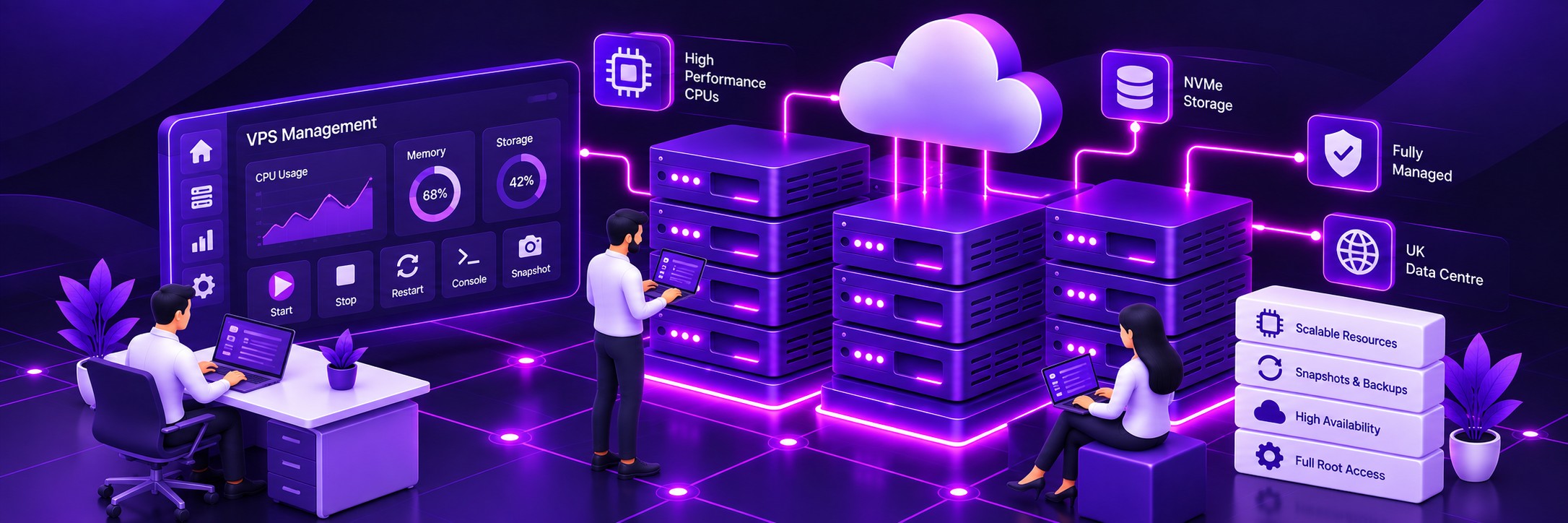
Dedicated VPS Environment
Your Moodle installation runs inside its own virtual server environment.
Run Moodle on your own high-performance UK KVM VPS with dedicated virtual resources, full root access and the flexibility to configure the server around your learning platform.

Your Moodle installation runs inside its own virtual server environment.
Configure the operating system, web server, PHP, database and supporting software.
Choose CPU, RAM and storage resources around the requirements of your Moodle installation.
Choose whether Farbyte manages the VPS or your own technical team manages the server.

Your Moodle platform operates within its own virtual server rather than sharing an application environment with unrelated websites.
Control the software and server settings required by your Moodle installation and its plugins.
Increase CPU, RAM and storage as your Moodle platform grows and its workload changes.
Choose the CPU, RAM, storage, operating system and other VPS options required for your Moodle installation. If you’re unsure how much resource you need, contact us and we’ll help you work through the requirements.

Plan around how many learners are actively using Moodle at the same time, particularly during busy periods.
Examinations, timed quizzes and scheduled training sessions can create short periods of significantly higher demand.
Moodle relies heavily on its database as learners interact with courses, activities, assessments and other features.

Allocate memory around the PHP, database and concurrent activity requirements of your Moodle installation.
Provide the processing capacity needed for PHP requests, database operations and background tasks.
Fast storage provides a responsive foundation for the Moodle database, files and operating system.
Increase your VPS resources as your Moodle workload develops.
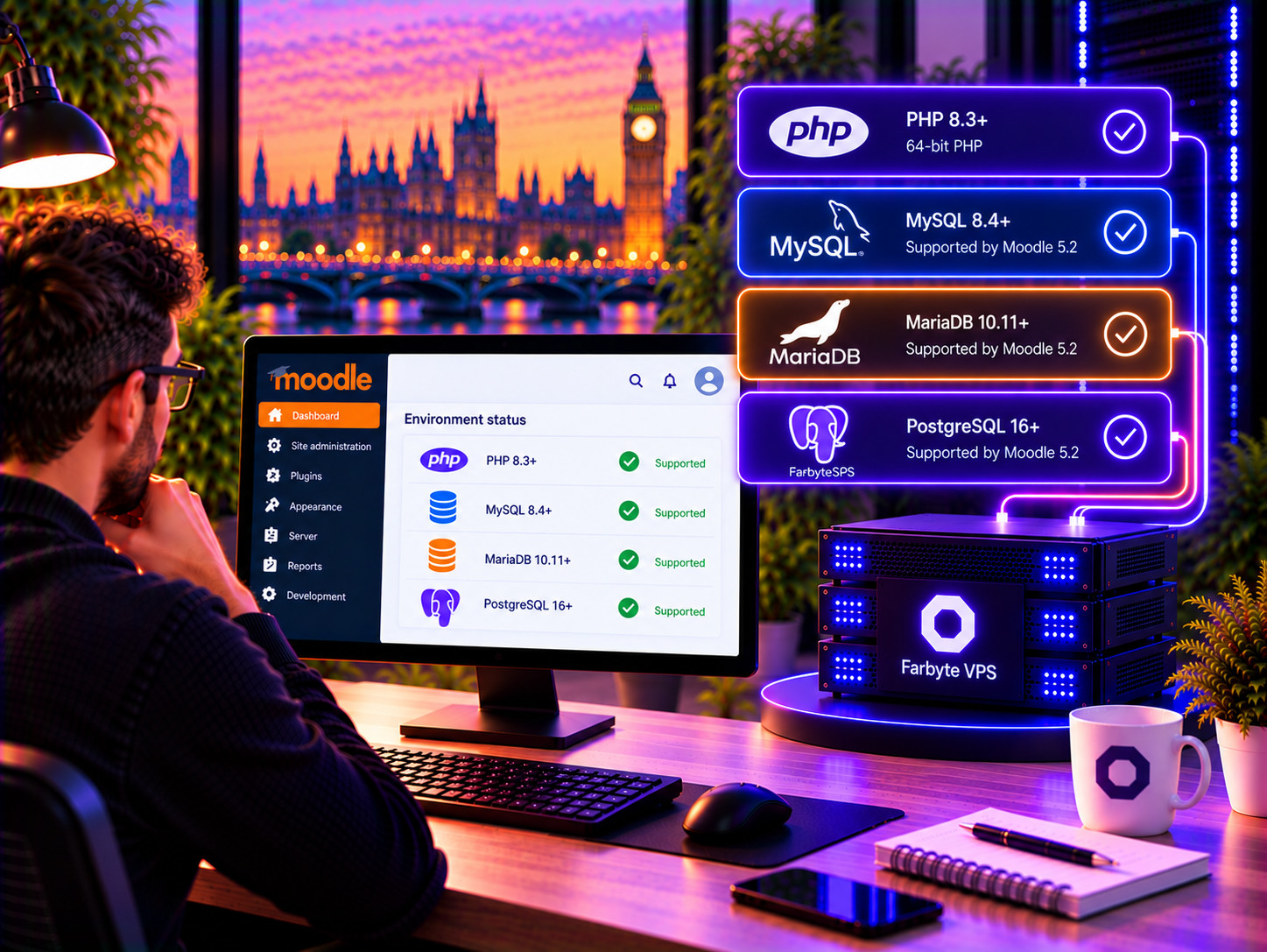
Moodle 5.2 requires PHP 8.3 or later with 64-bit PHP.
Moodle 5.2 supports current versions of MySQL, MariaDB, PostgreSQL and other supported database platforms.
A VPS gives you server-level control over the software environment rather than relying on shared hosting defaults.
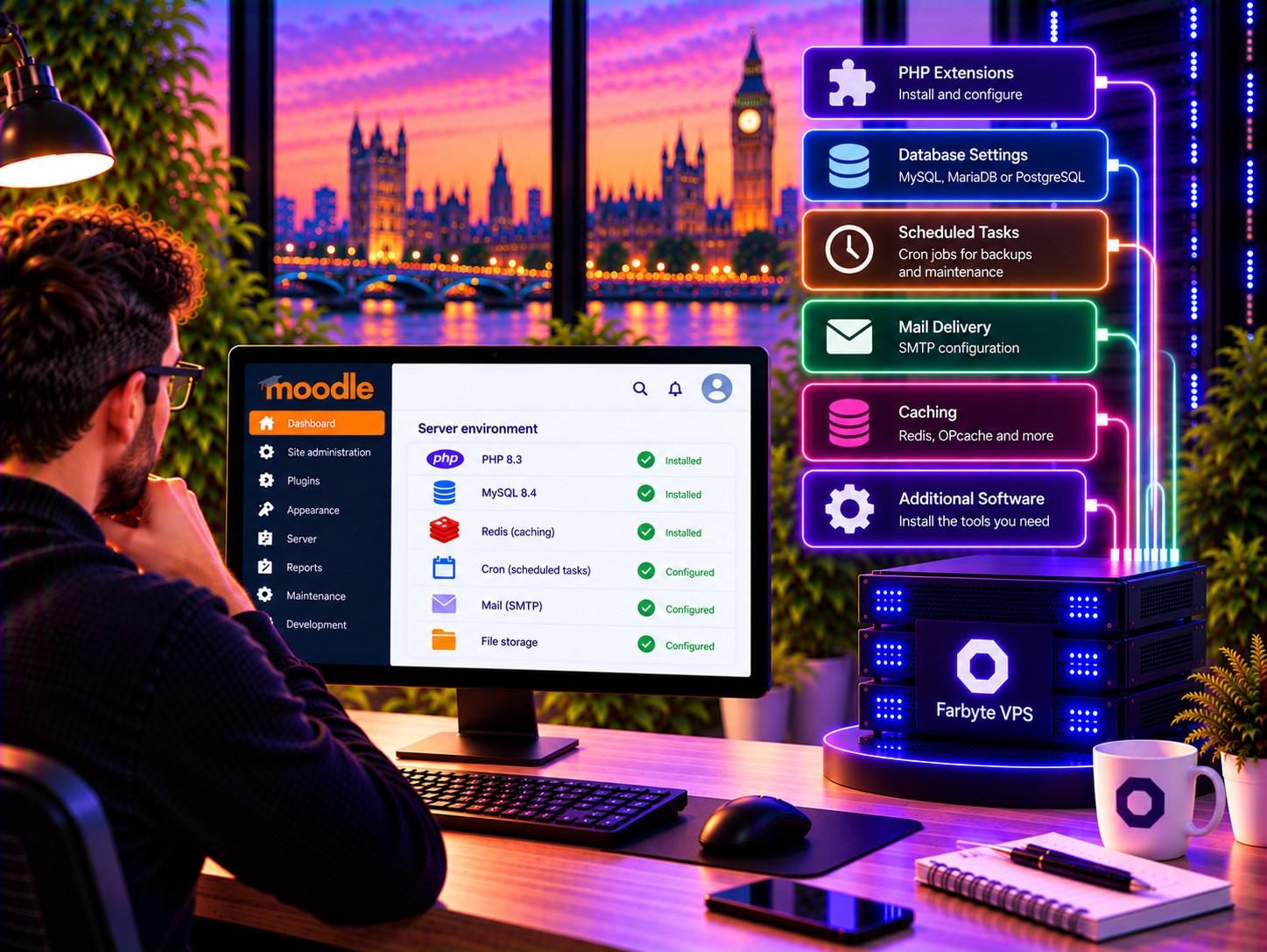
Full administrative access gives your technical team direct control of the server.
Configure Moodle's scheduled tasks and other system-level jobs as required.
Configure the server and Moodle for reliable transactional and notification email delivery.

Use Moodle's caching framework and supporting cache services where appropriate.
Tune the database environment around the actual workload generated by your Moodle installation.
A VPS provides a practical foundation before considering more complex multi-server Moodle architectures.

Farbyte manages the underlying VPS environment when you choose managed hosting.
Keep the underlying operating system maintained without taking on all of the administration yourself.
Your VPS is monitored as part of Farbyte's managed hosting service.
Get direct support from experienced hosting professionals when you need assistance.

Complete administrative access to the VPS and operating system.
Choose and configure the software your Moodle installation requires.
Your administrators retain responsibility and control over the server environment.

Assess the existing Moodle version, plugins, database, storage and workload.
Prepare the new VPS environment around the requirements identified during the review.
Test the migrated Moodle installation before completing the final DNS and application cutover.
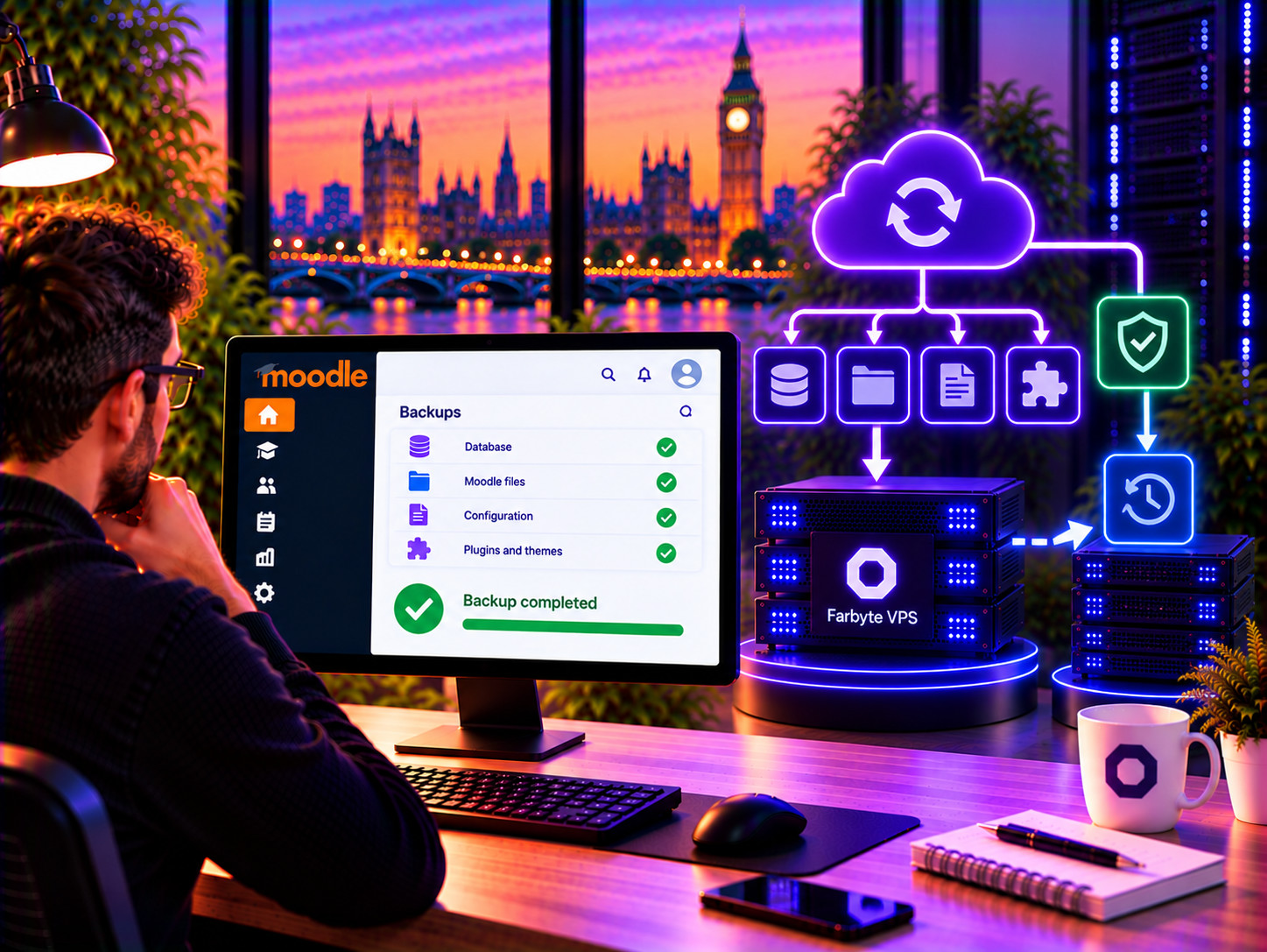
Protect the database containing courses, users, activities and configuration data.
Protect uploaded files and other data stored outside the Moodle application code.
Use backups and VPS snapshots as part of your overall recovery and change-management strategy.

Host your Moodle VPS on infrastructure located in the UK.
High-performance server processors provide the computing platform behind the VPS infrastructure.
Fast NVMe storage provides responsive storage for your virtual server.
Distributed storage provides resilience against individual storage component failures.
Both options provide a dedicated virtual server environment. The main difference is who is responsible for managing the server.
| Feature | Managed Managed Moodle VPS | Unmanaged Moodle VPS |
|---|---|---|
| VPS environment | Dedicated virtual server | Dedicated virtual server |
| Root access | Yes | Yes |
| CPU, RAM & storage | Configurable | Configurable |
| Operating system management | Farbyte managed | Customer managed |
| Server administration | Farbyte managed | Customer managed |
| Moodle administration | Customer managed unless separately agreed | Customer managed |
| Best suited to | Organisations wanting less server administration | Technical teams wanting full control |
| Support model | Managed VPS support | Infrastructure support |
A VPS gives your Moodle installation its own virtual server environment, dedicated virtual resources and full administrative access. It is useful when Moodle has outgrown shared hosting, needs specific server configuration or has a workload that requires more resources and control.
There is no reliable fixed user number because Moodle performance depends on what users are doing and how many active requests occur simultaneously. Quizzes, assignments and other interactive activities can create substantially more load than users simply reading course content. The VPS should therefore be sized around the actual workload.
The amount of RAM required depends on the Moodle version, plugins, database, PHP configuration and workload. Concurrent activity is particularly important. Moodle’s own documentation recommends measuring a real workload rather than relying on a simple user-count formula.
The Moodle VPS provides the server environment required to run Moodle. Installation and deployment requirements can be discussed when ordering so that the VPS is prepared appropriately for your Moodle installation.
Yes. Your VPS can be configured with a supported Linux operating system appropriate for your Moodle installation. The available operating systems and options are shown in the VPS configurator.
Yes, provided the VPS is configured with the software requirements for your Moodle release. Moodle 5.2 requires PHP 8.3 or later and supports current versions of MySQL, MariaDB and PostgreSQL.
Yes. We can help with migration planning and the technical transfer of an existing Moodle installation to a Farbyte VPS. The process should account for your Moodle version, plugins, database, files and configuration.
Yes. VPS resources can be increased as your requirements change. This allows you to start with an appropriate configuration and scale the server as Moodle usage grows.
Choose managed if you want Farbyte to take responsibility for the underlying server environment. Choose unmanaged if you or your technical team want to administer the operating system and server yourselves.
Managed VPS covers management of the underlying server environment. Moodle application administration, configuration, plugins and course management remain your responsibility unless a separate Moodle management service has been agreed.
Configure a Moodle VPS around your requirements, or contact Farbyte if you’d like help deciding how much CPU, RAM and storage your Moodle installation needs.