WooCommerce VPS Hosting

WooCommerce VPS Hosting UK

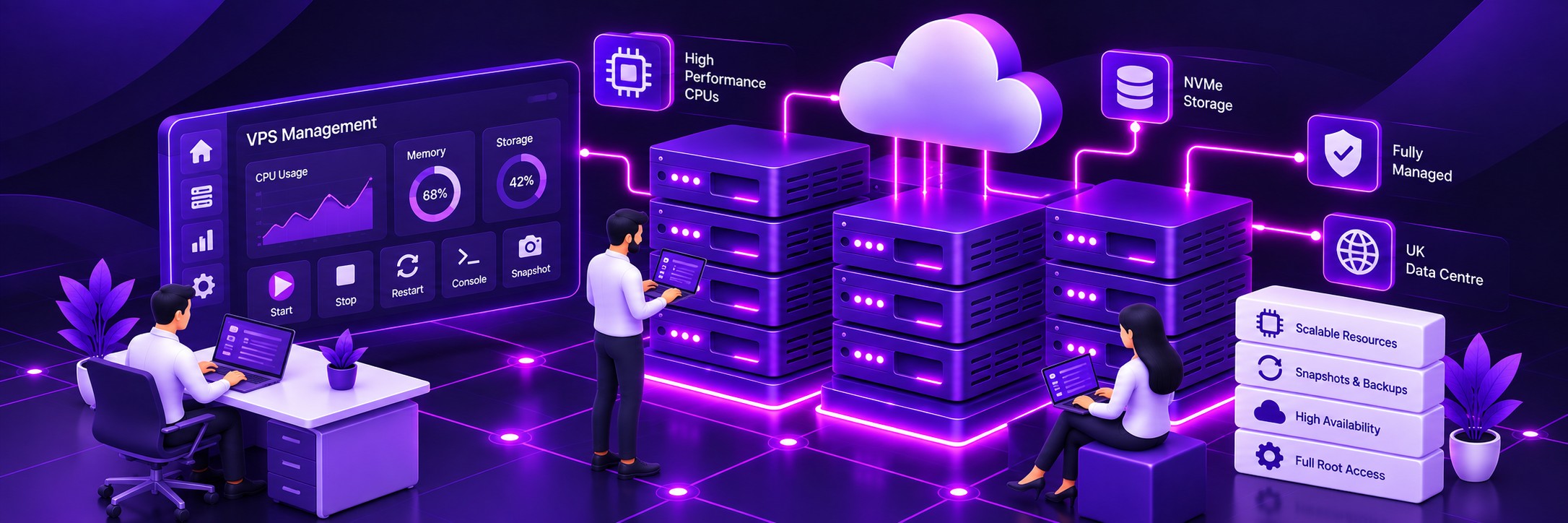
Run your WooCommerce store on a dedicated virtual server with flexible CPU, RAM and NVMe storage resources. Get full root access and choose managed or unmanaged VPS hosting.
Built for ecommerce

Give WooCommerce its own VPS environment

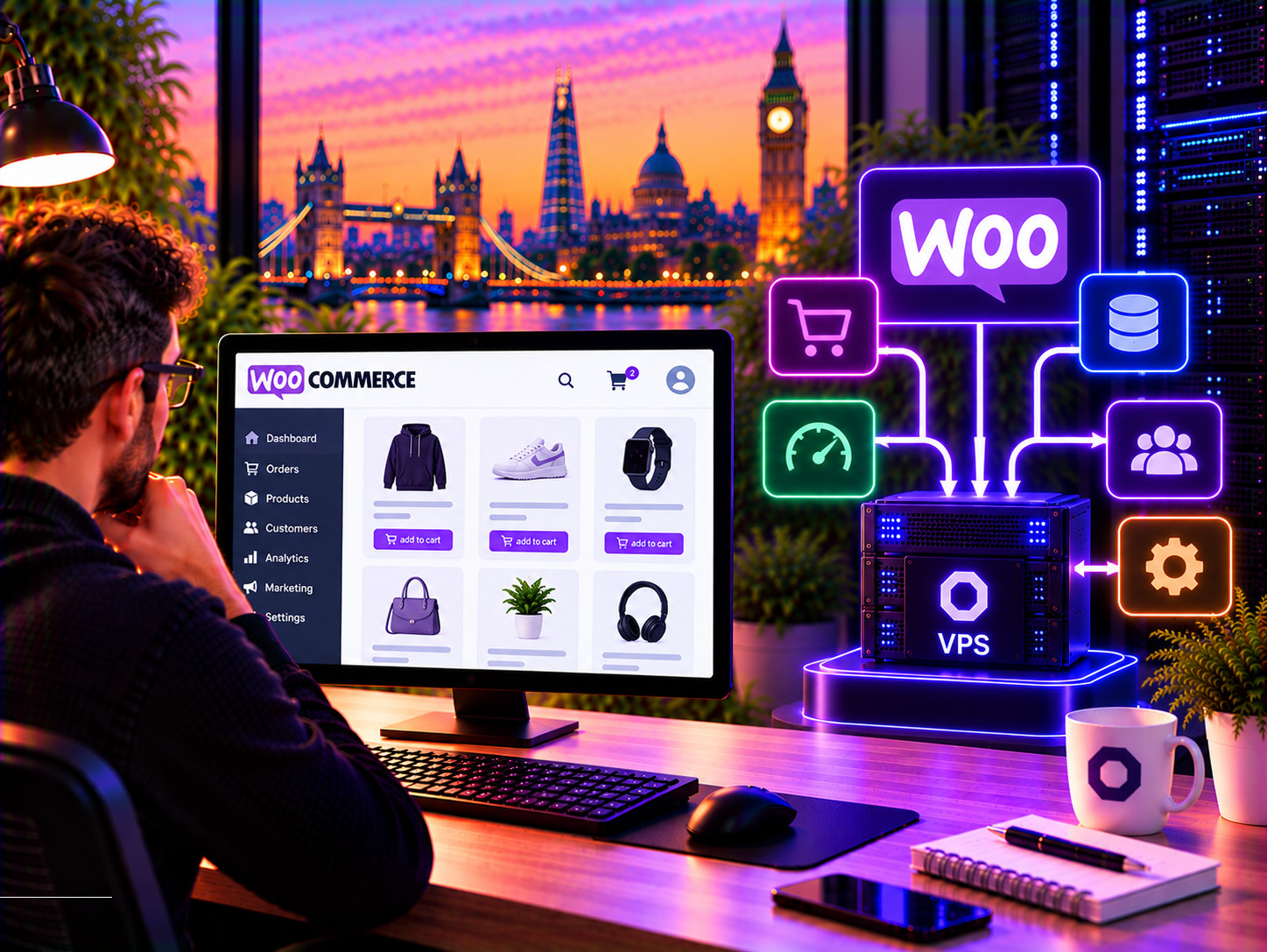
A growing WooCommerce store can place very different demands on its hosting environment. Larger product catalogues, more visitors, complex plugins, database queries and busy checkout periods can all increase the resources required by the application.

A WooCommerce VPS gives your store its own virtual server environment rather than sharing server resources with unrelated websites. You get allocated virtual CPU and RAM resources, fast NVMe storage and full administrative access to the server.

This gives you much greater control over the environment running your ecommerce platform and provides room to configure the server around the requirements of your store.
Give WooCommerce its own VPS environment

Flexible CPU resources

Choose the virtual CPU capacity your store needs and increase resources as your workload grows.

Dedicated RAM allocation

Give WordPress, WooCommerce, PHP and supporting services the memory they need without competing with unrelated websites.

High-performance NVMe

Run your operating system, application and database on fast NVMe cloud storage designed for demanding workloads.

UK infrastructure

Host your WooCommerce store on Farbyte's UK infrastructure with resilient virtualisation and DDoS protection.

Full root access

Install and configure the software, services and server components your WooCommerce environment requires.

Scale as you grow

Increase your VPS resources when your catalogue, traffic or application workload grows.
More resources for demanding WooCommerce stores
Ecommerce performance

More resources for demanding WooCommerce stores

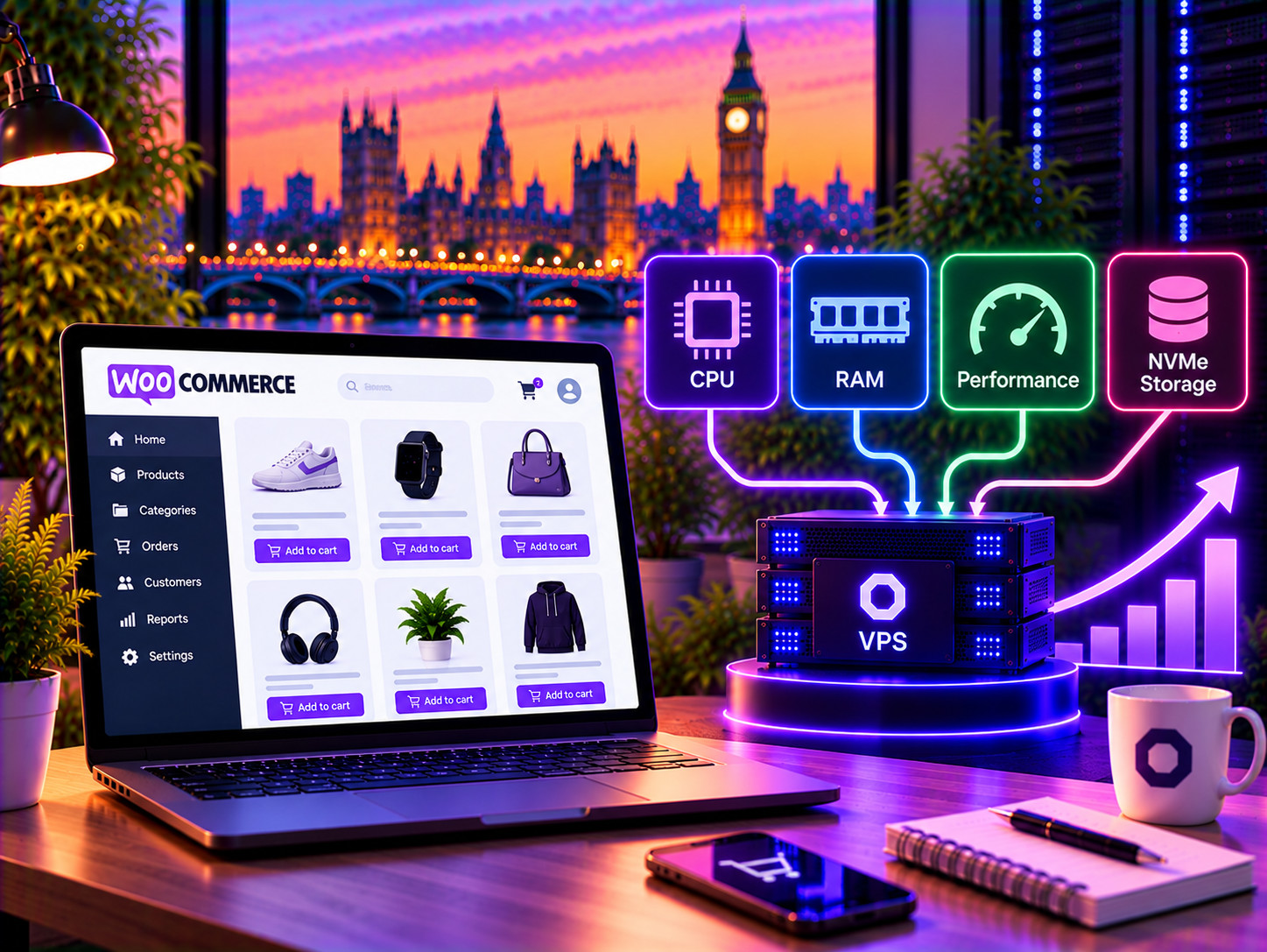
WooCommerce performance depends on more than bandwidth. Product searches, category pages, customer accounts, cart operations, checkout, payment processing and background tasks can all place different demands on your server.

With your own VPS, CPU and RAM resources are allocated to your environment rather than being shared across a large collection of unrelated websites. This provides a more controlled platform for stores with greater or less predictable workloads.

The VPS can also be configured around the workload of your particular store, rather than forcing the application into a fixed shared hosting environment.
Database workload

Give your WooCommerce database room to work

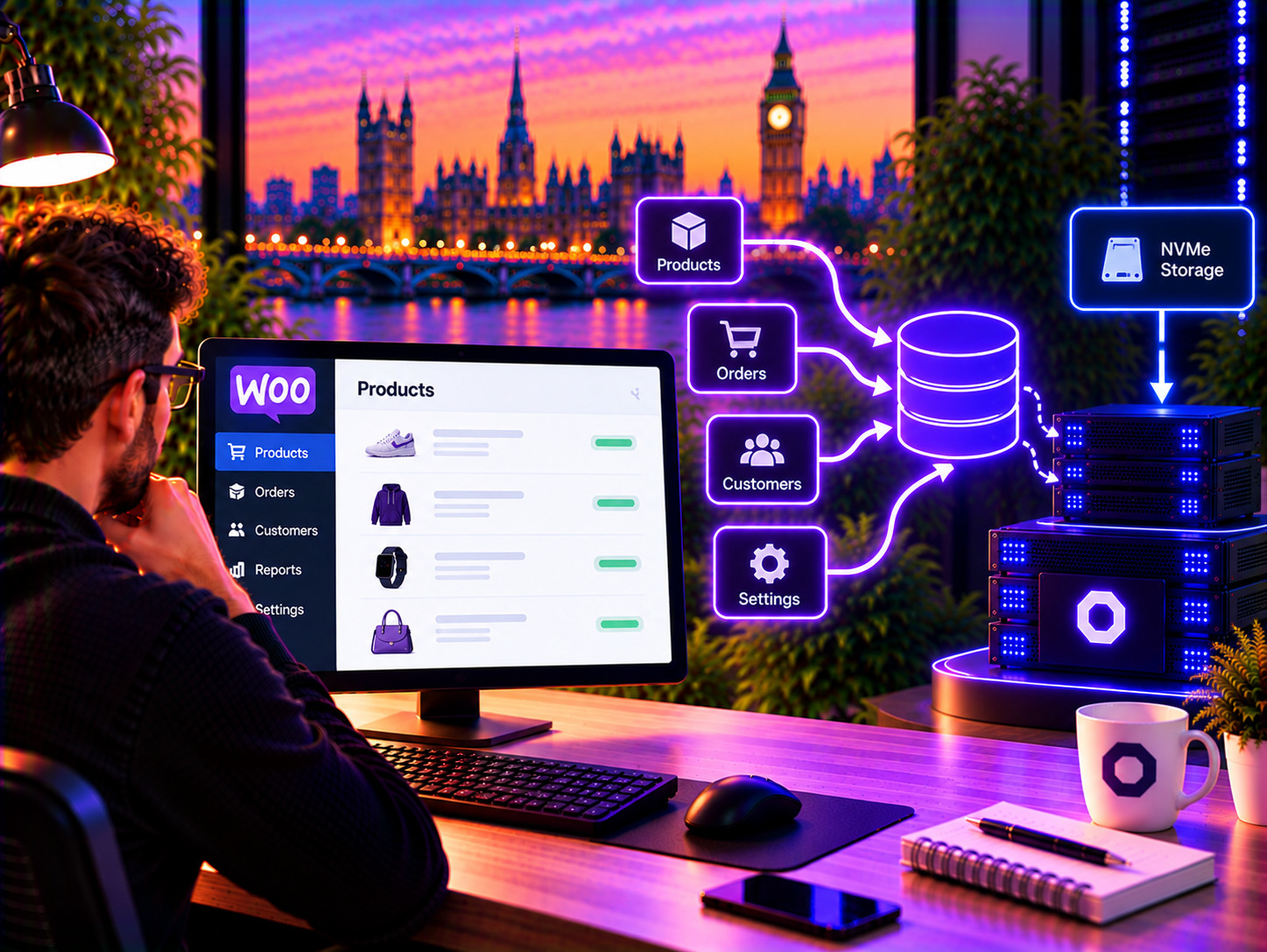
WooCommerce stores rely heavily on their database. Products, variations, orders, customers, stock information, settings and plugin data all contribute to database activity.

As a store becomes larger or more heavily used, database workload can become an important part of the overall hosting requirements. Searches, catalogue operations, reporting and checkout activity can all generate database queries.

A VPS gives you greater control over the server environment supporting the database, with dedicated virtual resources and fast NVMe storage.
Give your WooCommerce database room to work
Room for demanding WooCommerce plugins
Plugins & integrations

Room for demanding WooCommerce plugins

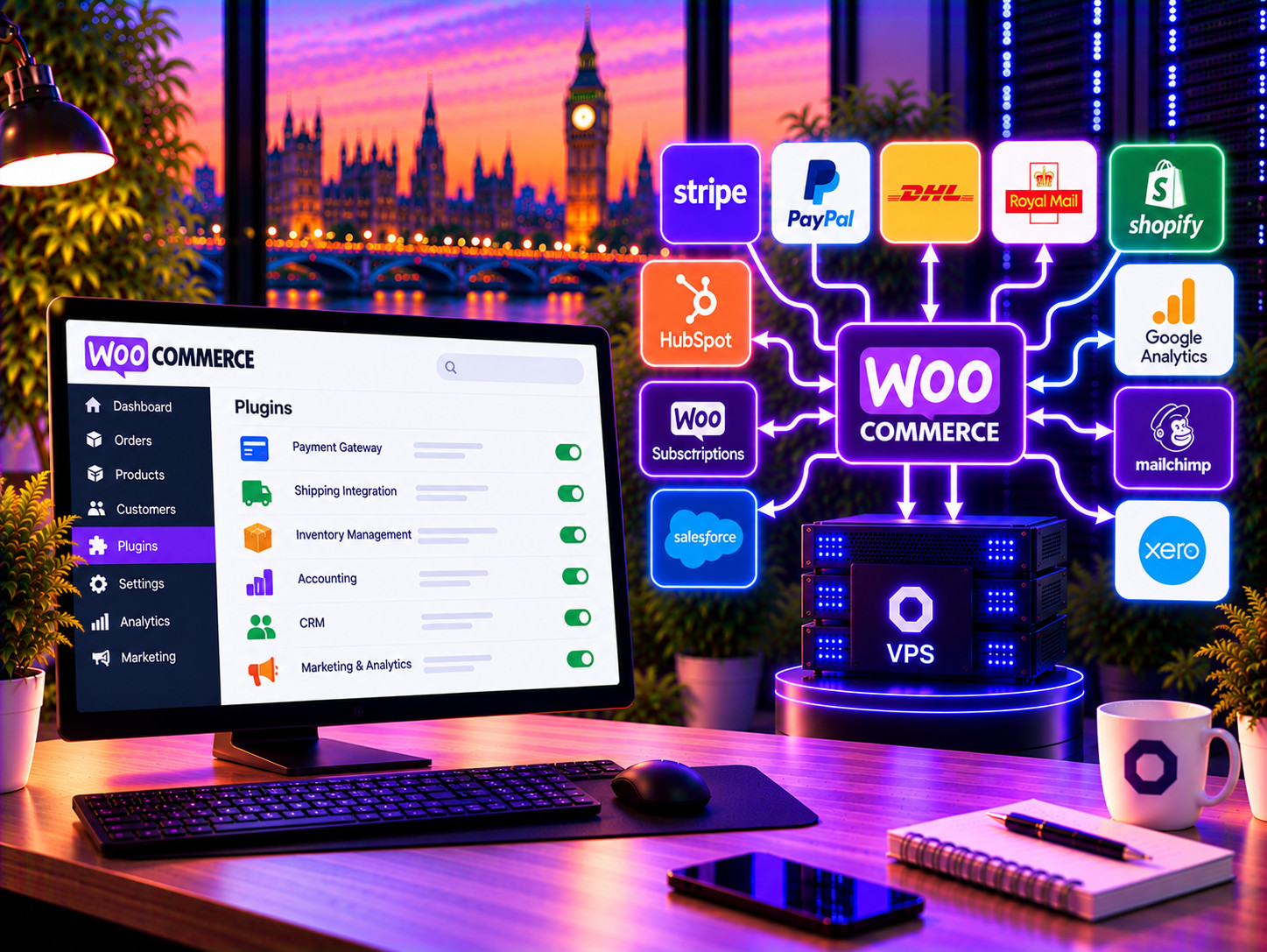
A WooCommerce store is rarely just WordPress and WooCommerce. Payment providers, shipping systems, inventory management, accounting, CRM, analytics, marketing and other integrations can all add workload to the application.

On a small store this may not be noticeable. As the store becomes more complex, however, resource-heavy plugins or background processes can expose the limitations of an undersized hosting environment.

With your own VPS, you have more control over the resources available to the application and the underlying server configuration.
Checkout & transactions

A hosting environment for busy checkout periods

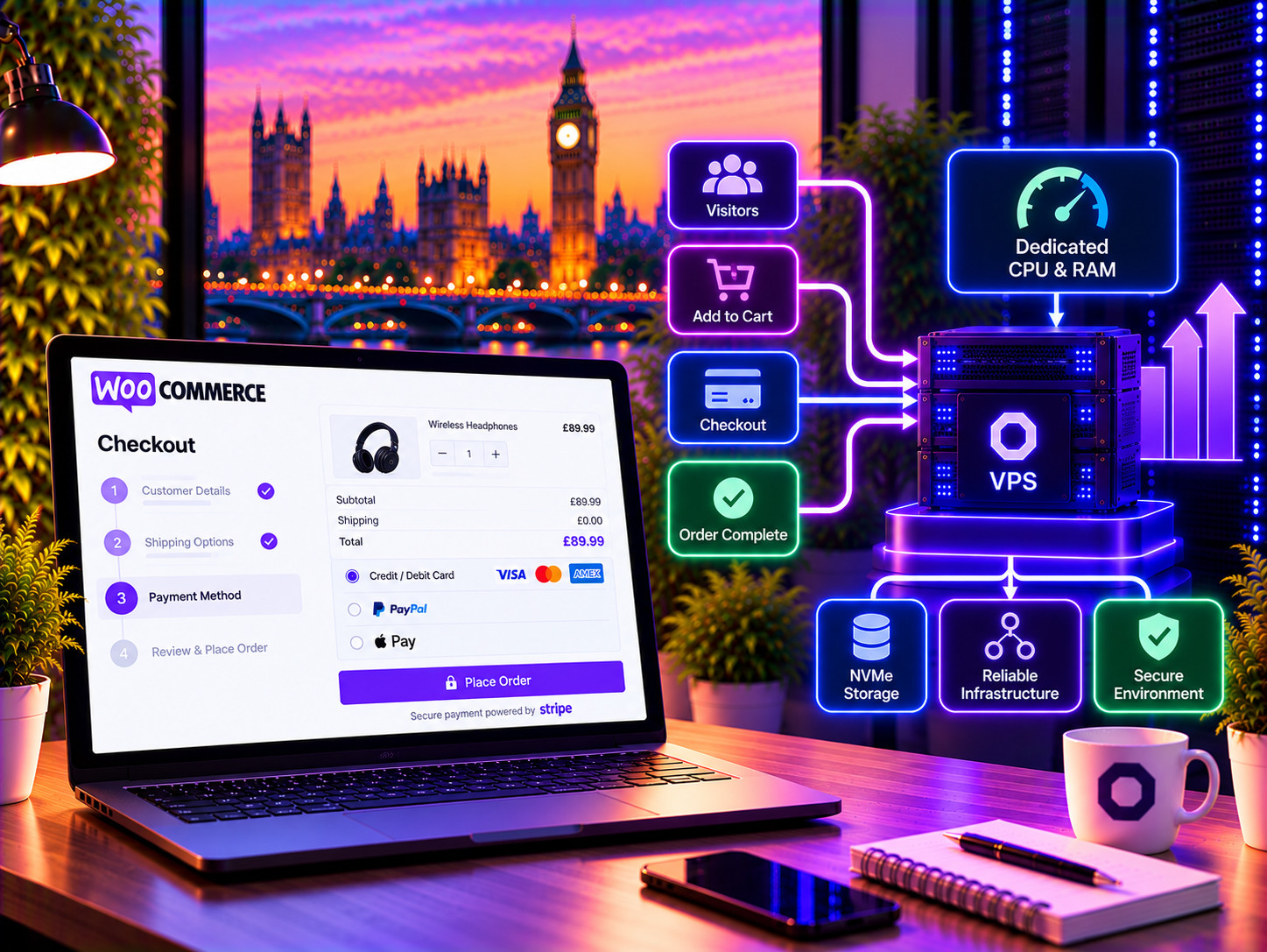
Checkout is one of the most important workloads on an ecommerce store. Customers may be browsing products, adding items to carts and completing payments at the same time as background tasks, integrations and administrative activity are taking place.

A VPS provides a more controlled environment for these workloads by giving your store its own allocated CPU and memory resources.

This does not guarantee a particular number of concurrent customers or orders, because performance depends on the application and its configuration, but it gives you a stronger foundation for a demanding WooCommerce workload.
WooCommerce A hosting environment for busy checkout periods
Configure the server around your WooCommerce stack
WordPress & PHP

Configure the server around your WooCommerce stack

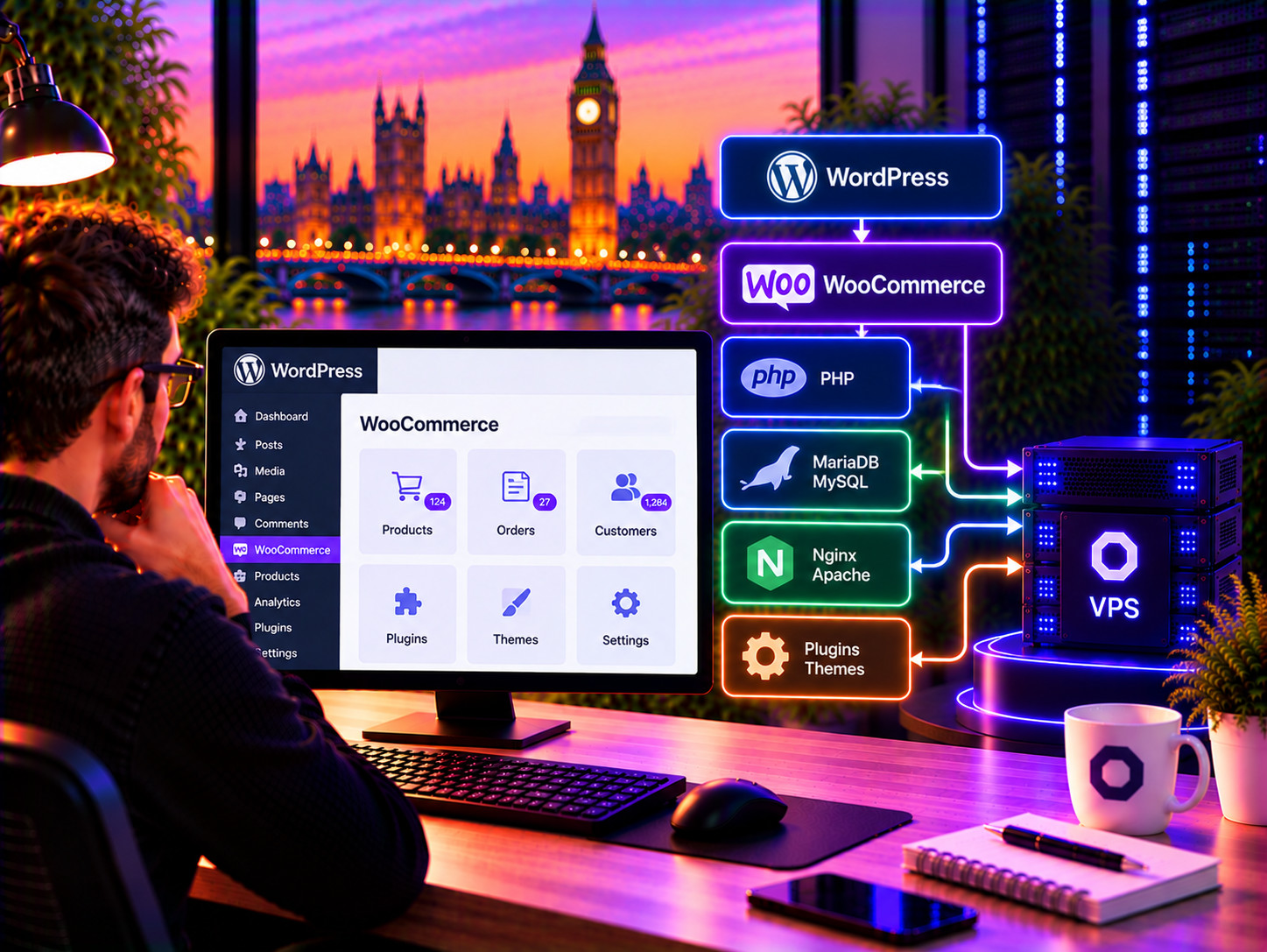
WooCommerce runs within WordPress and depends on PHP, a database and a web server. Your theme, plugins and integrations all contribute to the overall workload.

Having your own VPS gives you control over that environment. You can install the software you need, configure the server and choose the services that make sense for your store.

This is particularly useful when your WooCommerce installation relies on extensions or integrations that require more server control than conventional shared hosting provides.
Managed or unmanaged

Choose how much of the server you want to manage

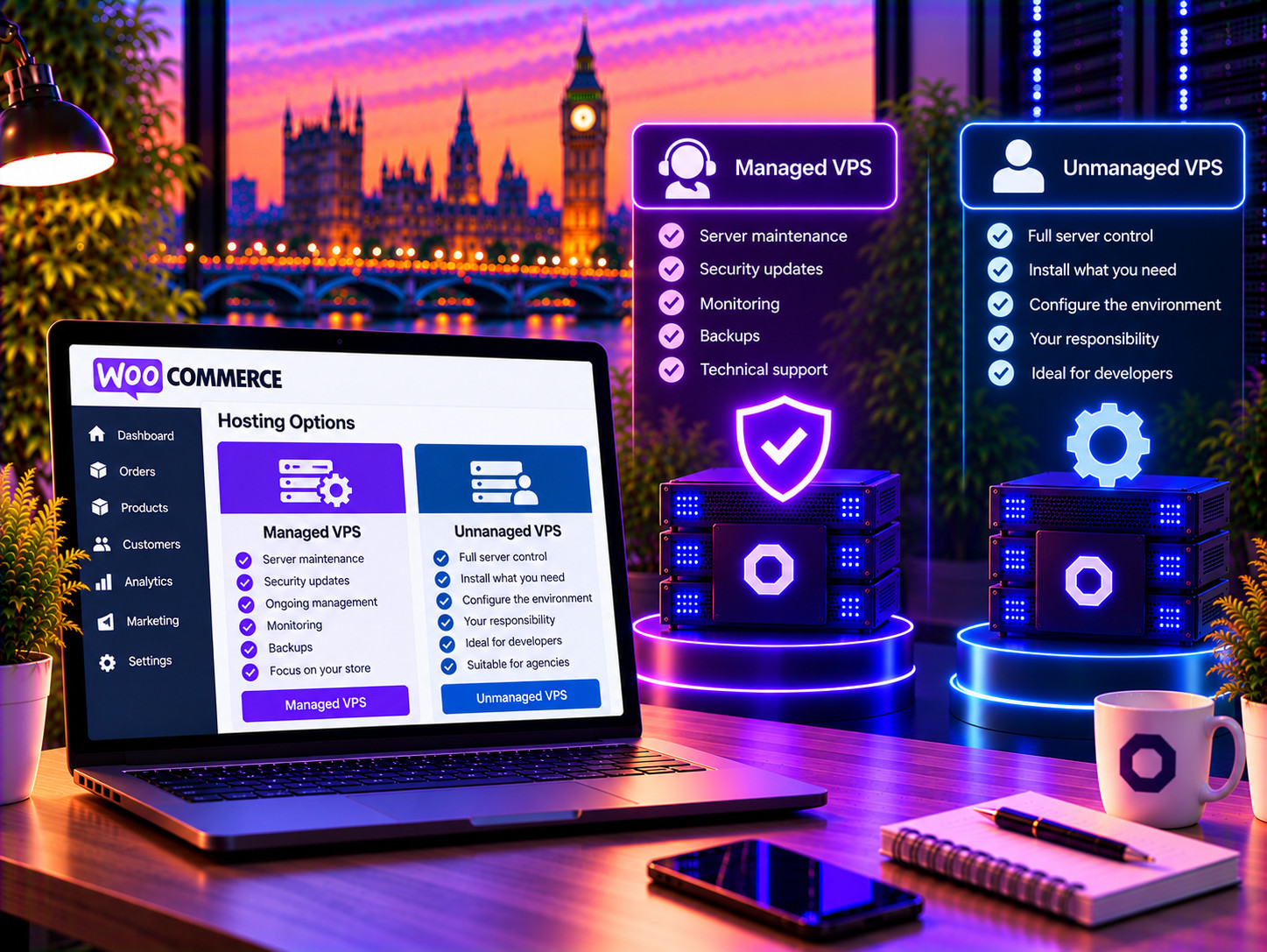
Not every WooCommerce business wants to become a server administrator. Farbyte gives you a choice of managed or unmanaged VPS hosting.

With a managed VPS, Farbyte takes care of the underlying server environment, including operating system maintenance, server administration and ongoing infrastructure management. You can concentrate on running your store rather than maintaining the server.

With an unmanaged VPS, you have full control of the server and take responsibility for its administration. This is suited to developers, agencies and technically experienced users who want to manage the environment themselves.
WooCommerce Managed or unmanaged Choose how much of the server you want to manage

Managed WooCommerce VPS

Let Farbyte manage the underlying VPS while you concentrate on your WooCommerce store. Suitable for businesses that need a VPS without taking on day-to-day server administration.
Explore managed VPS

Unmanaged WooCommerce VPS

Full root access and control for developers, agencies and technically experienced users who want to administer their own WooCommerce server.
Explore unmanaged VPS
Scale your WooCommerce VPS as your store grows
Scaling

Scale your WooCommerce VPS as your store grows

Your hosting requirements can change significantly as an ecommerce business grows. More products, customers, orders, plugins, integrations and seasonal traffic can all increase the resources required by your store.

A VPS lets you increase resources without moving to an entirely different hosting model. CPU, RAM and storage can be adjusted as your requirements change, subject to the limits of the selected VPS configuration.

This makes a VPS a practical foundation for a store that expects its hosting requirements to grow over time.
Migration

Move your existing WooCommerce store to a VPS

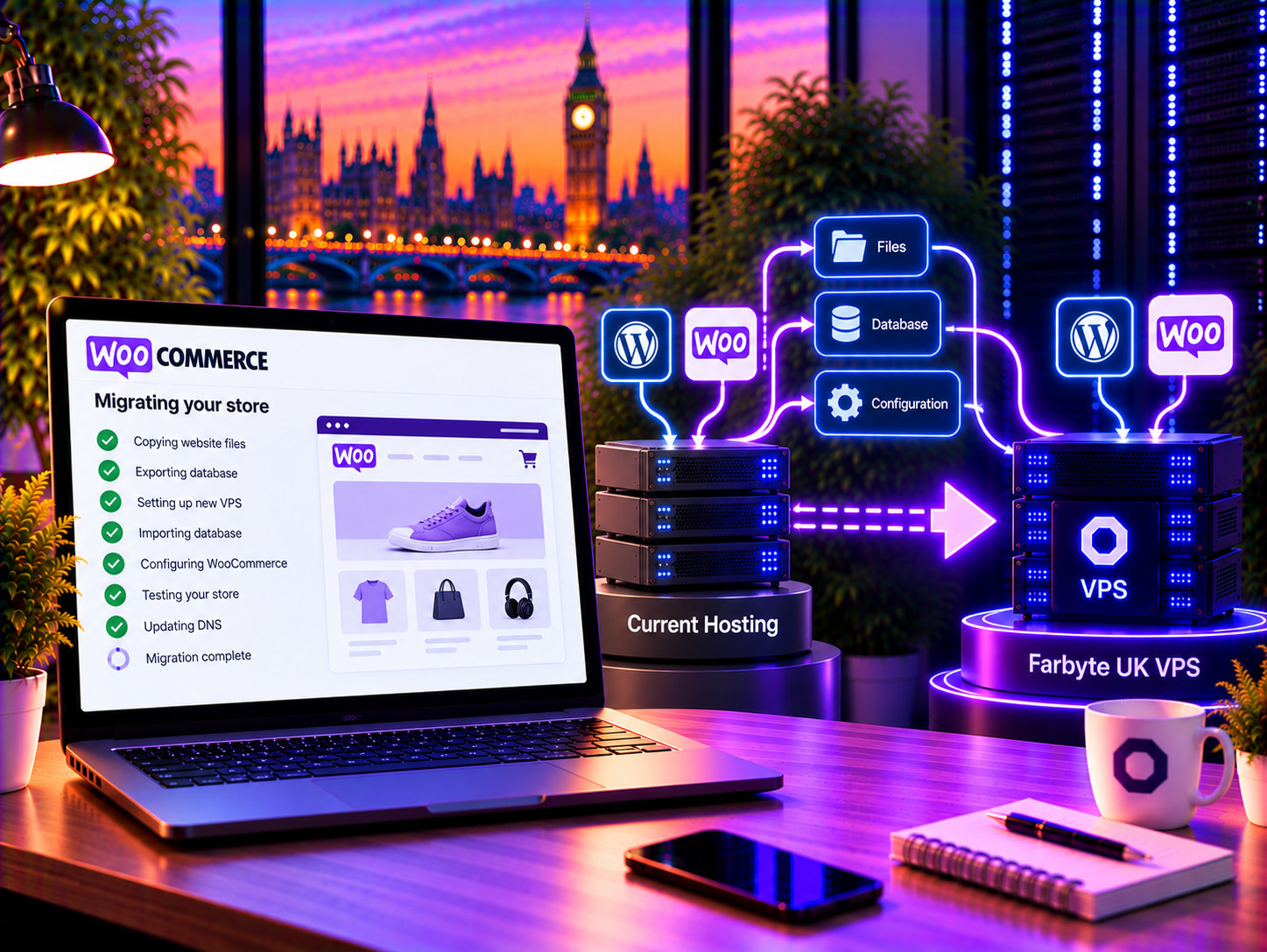
Already running WooCommerce on shared hosting or another provider? Moving to a VPS does not mean starting your store again.

We can help migrate your existing WordPress and WooCommerce installation, files and database to a new Farbyte VPS and work through the required DNS and configuration changes.

Migration can be planned around your existing store to minimise disruption. Once the new environment has been tested, your domain can be switched to the new server.
Move your existing WooCommerce store to a VPS
WooCommerce High-performance UK VPS infrastructure
UK infrastructure

High-performance UK VPS infrastructure

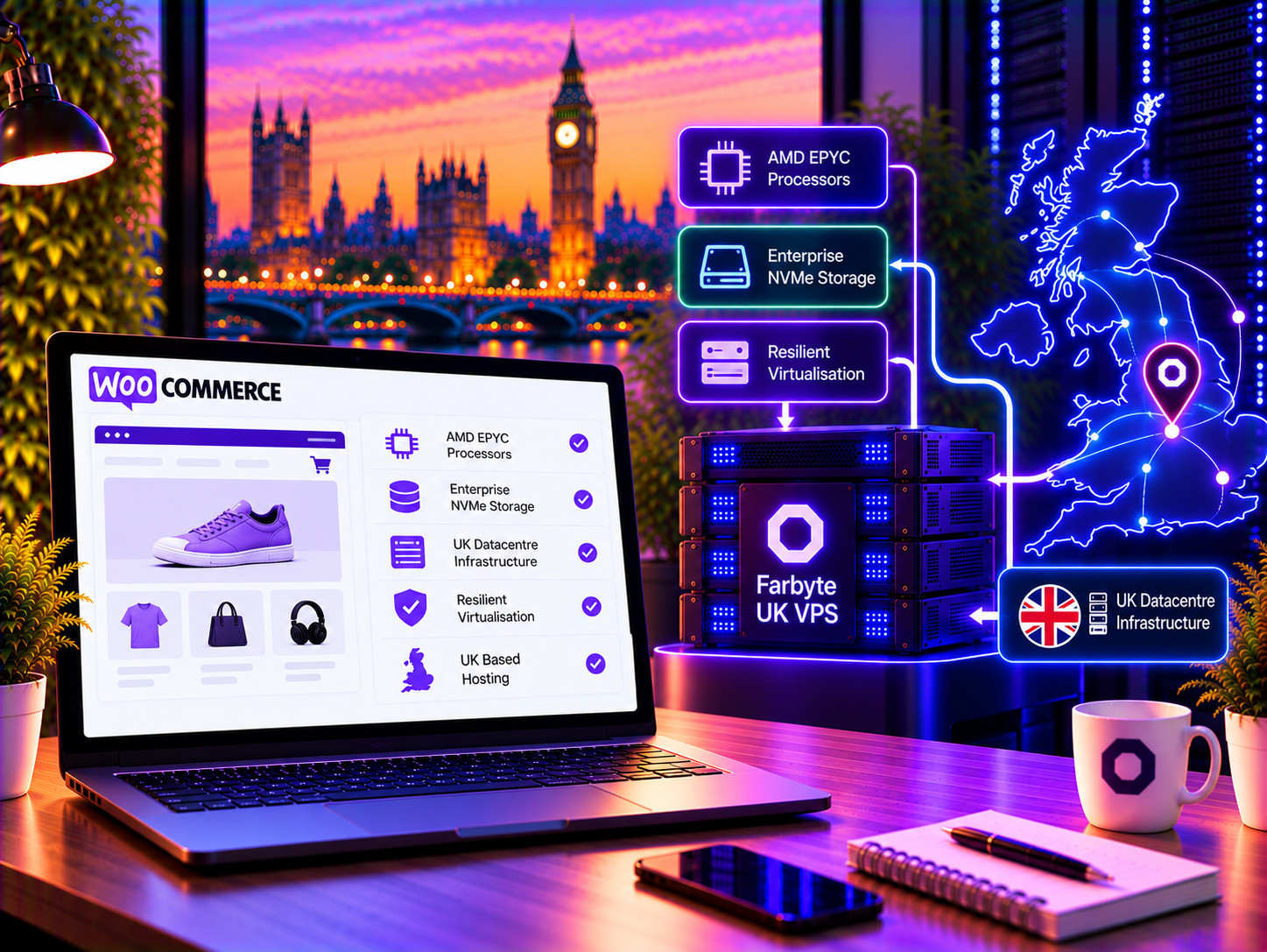
Your WooCommerce VPS runs on Farbyte’s UK infrastructure, built around modern AMD EPYC processors, enterprise NVMe storage and resilient virtualisation infrastructure.

The platform is designed to provide the compute, memory and storage resources needed by demanding ecommerce applications while keeping the underlying infrastructure managed by Farbyte.

UK hosting also provides a straightforward choice for businesses whose customers, staff and operations are primarily based in the UK.

Configure your WooCommerce VPS

Choose the CPU, memory, storage and other resources for your WooCommerce VPS. You can select managed or unmanaged hosting based on how much server administration you want to handle.

Configure your VPS

CPU

cores

RAM

GB

Storage

GB

Snapshots

IPv4

IPs

Bandwidth

GB

OS

Control Panel

Managed

Unmanaged vs Managed WooCommerce VPS

Feature Unmanaged VPS Fully managed Managed VPS
Full root access Yes Yes
Dedicated virtual CPU resources Yes Yes
NVMe storage Yes Yes
UK infrastructure Yes Yes
Server administration by Farbyte No Yes
Operating system management No Yes
Server security management Customer managed Farbyte managed
Suitable for developers and agencies Yes Yes
Suitable for businesses without server expertise Limited Yes
Beyond WooCommerce

A VPS gives you more than just ecommerce hosting

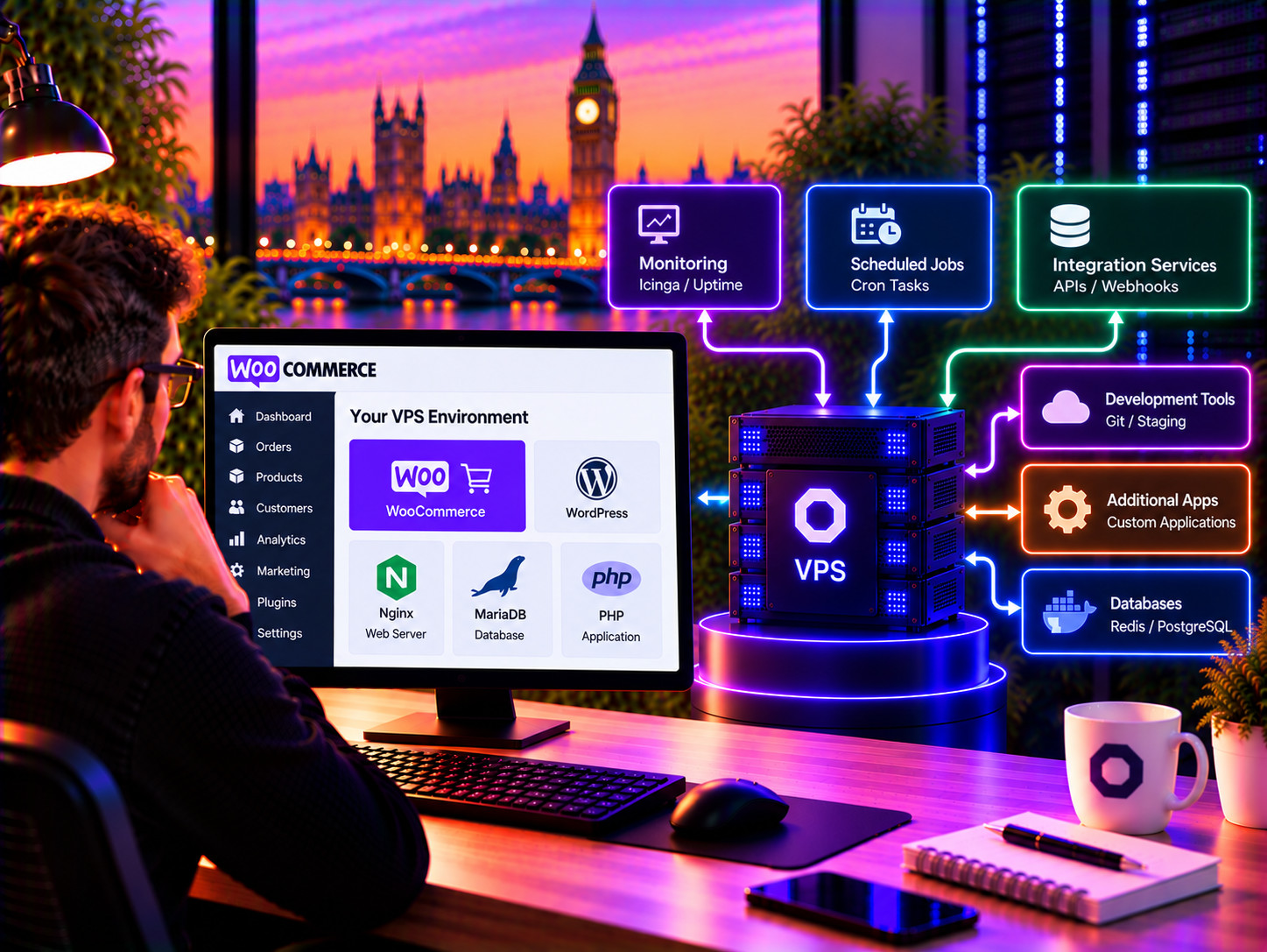
Because you control the underlying server, your VPS can run supporting services alongside WooCommerce where appropriate.

This can include monitoring tools, scheduled jobs, integration services, development tools, databases or other applications that form part of your ecommerce infrastructure.

You are not restricted to a predefined shared hosting environment, giving developers and agencies considerably more flexibility over how the server is configured.
Beyond WooCommerce A VPS gives you more than just ecommerce hosting

WooCommerce VPS FAQs

Give your WooCommerce store its own VPS

Configure a VPS around your store’s requirements, or speak to Farbyte if you need help choosing the right resources and managed hosting option.