
One-Click WordPress Install
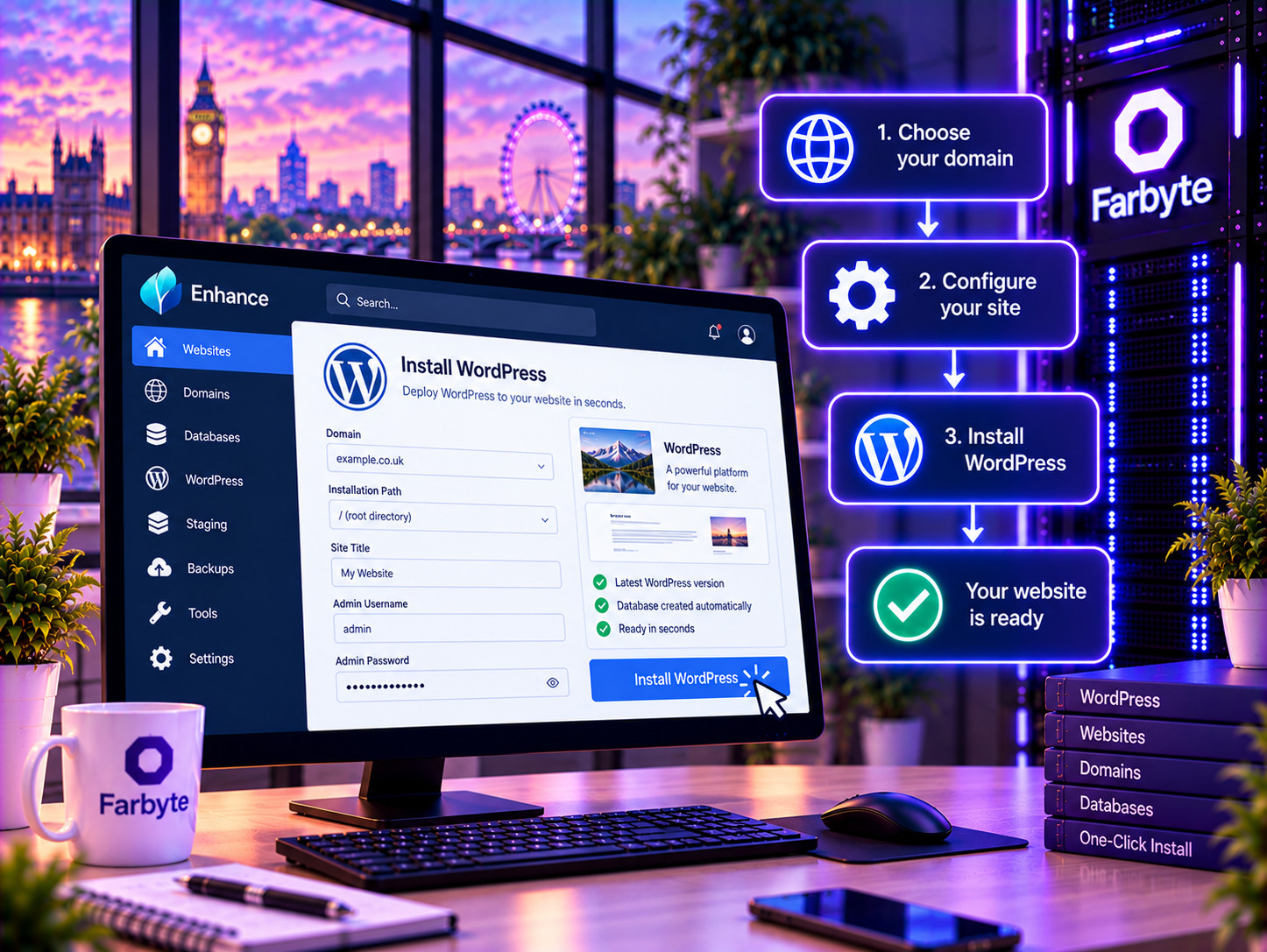
Deploy WordPress directly from the Enhance control panel without manually downloading and configuring the application.
WordPress hosting with the management tools you need to keep your website running smoothly. Get WordPress deployment, updates, staging, backups, SSH access and powerful WordPress management through Enhance.
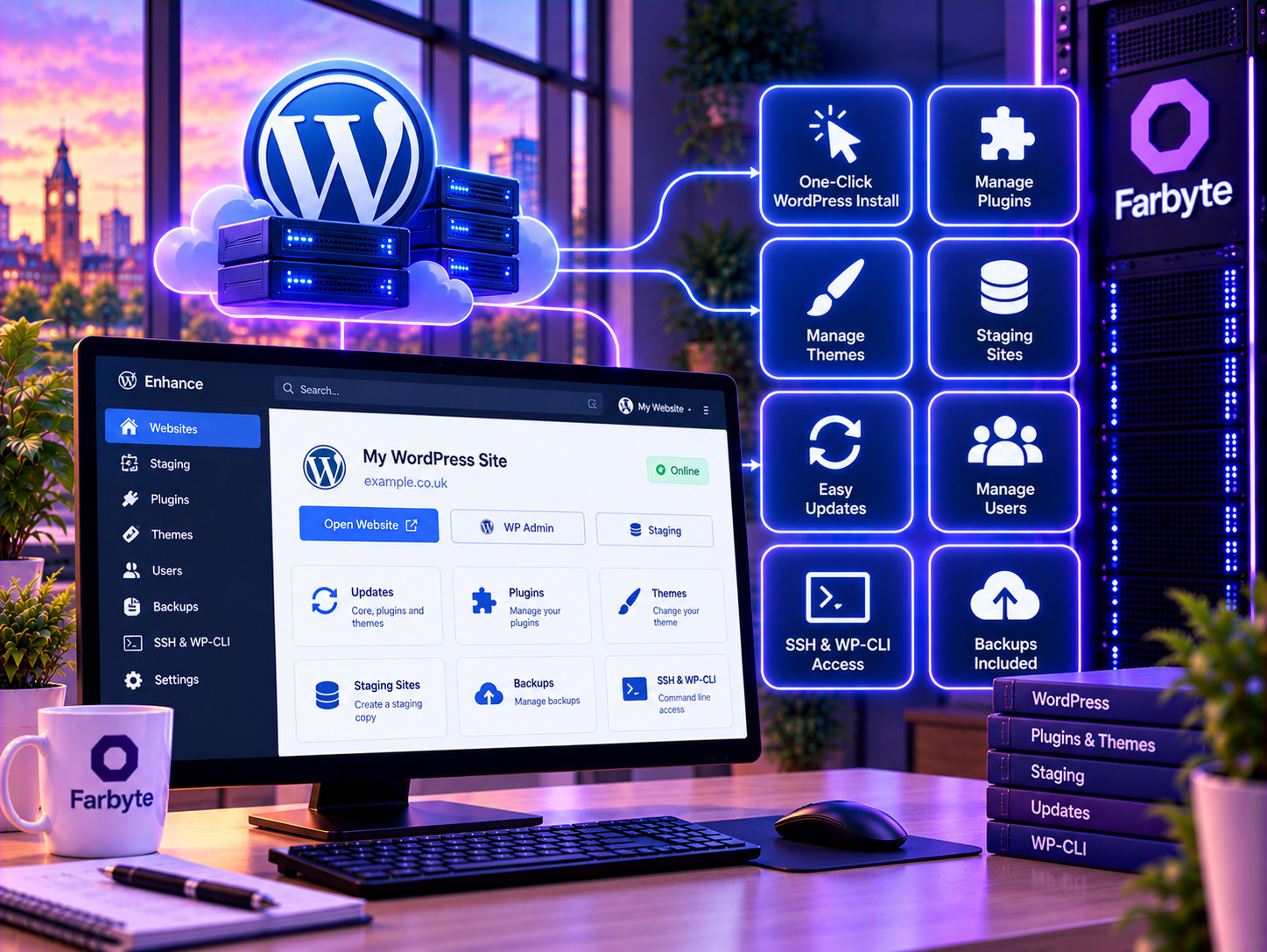
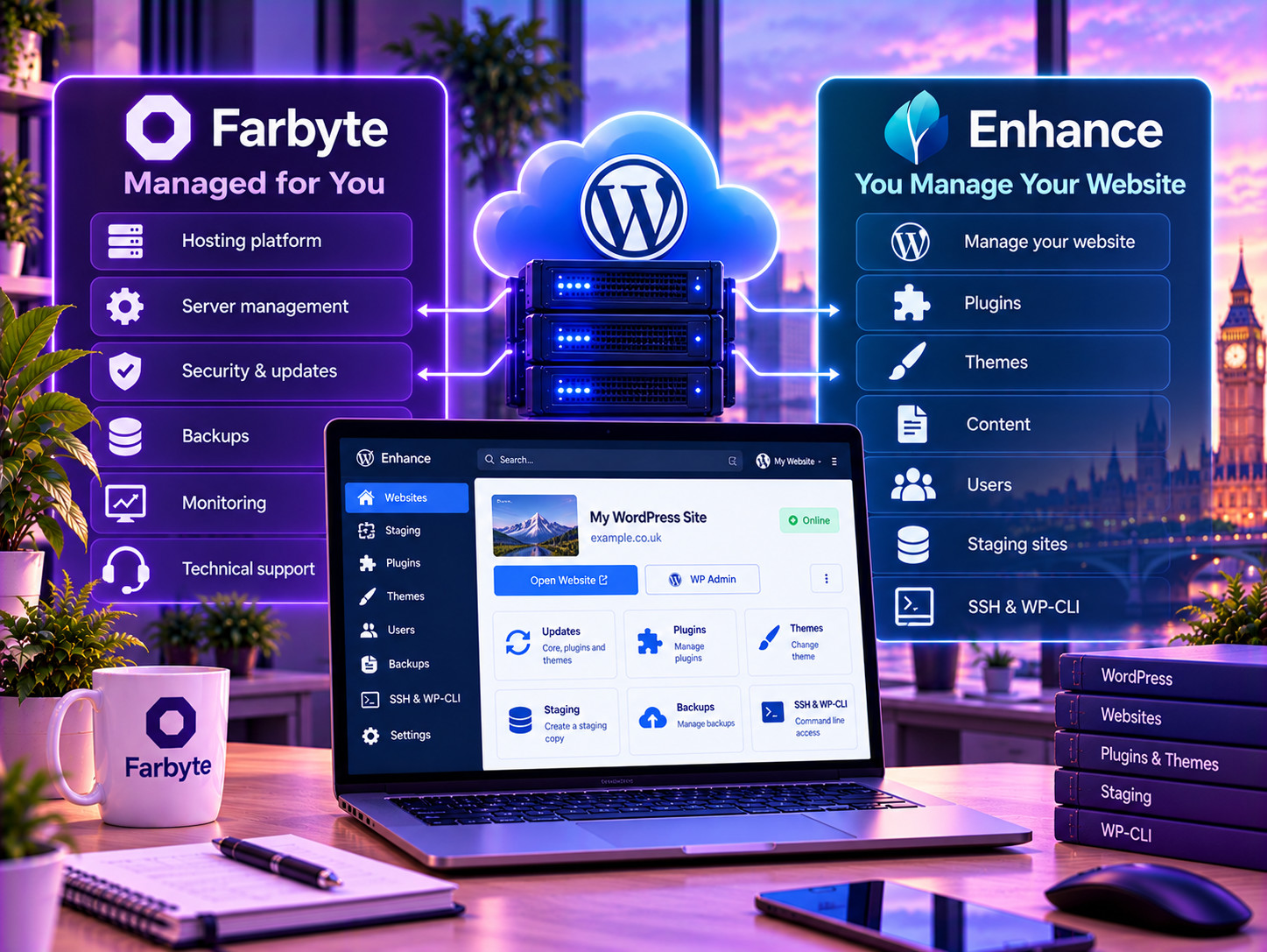
Deploy WordPress directly from the Enhance control panel without manually downloading and configuring the application.
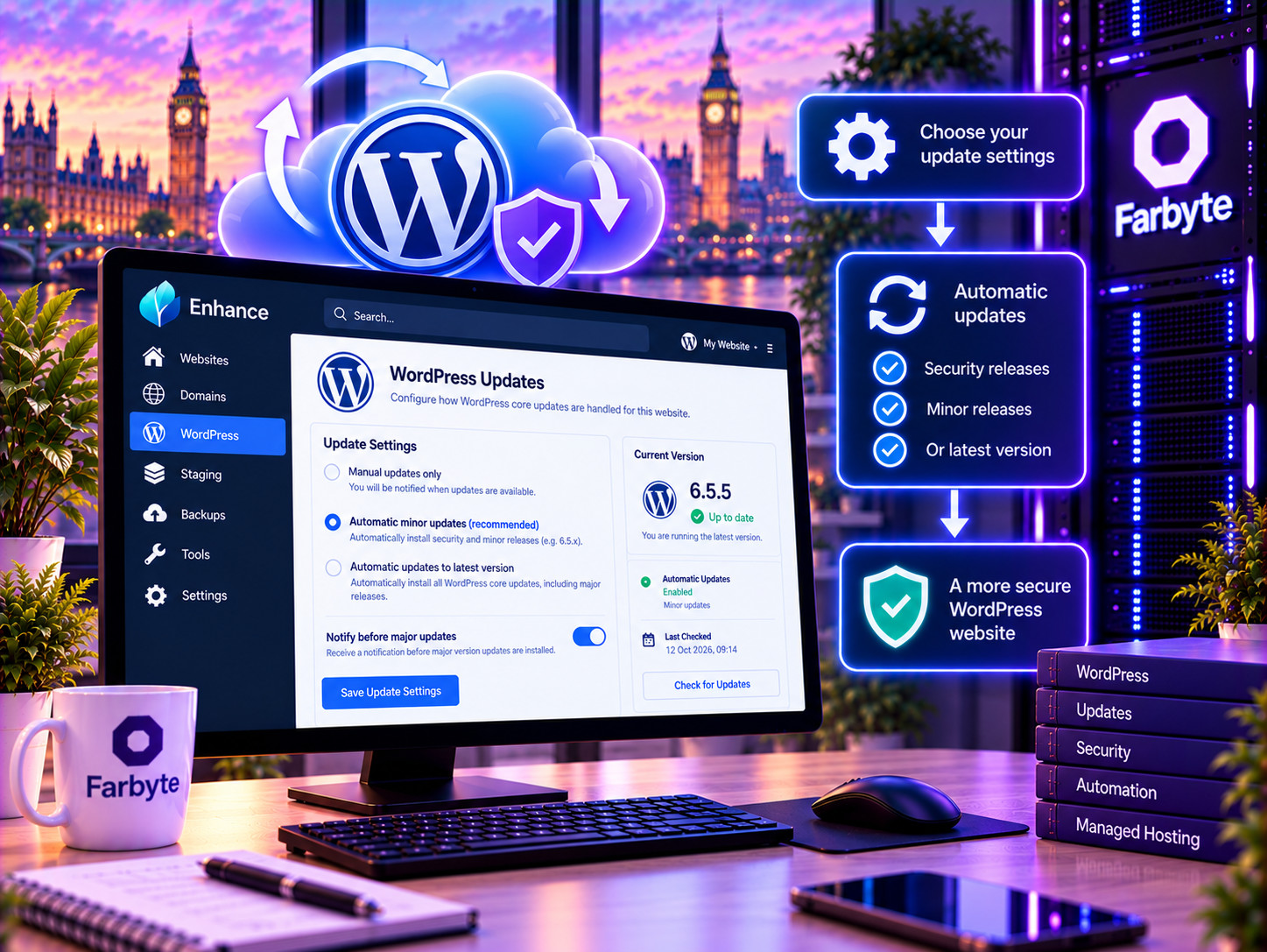
Configure automatic WordPress core updates and keep your installation maintained without having to perform every update manually.
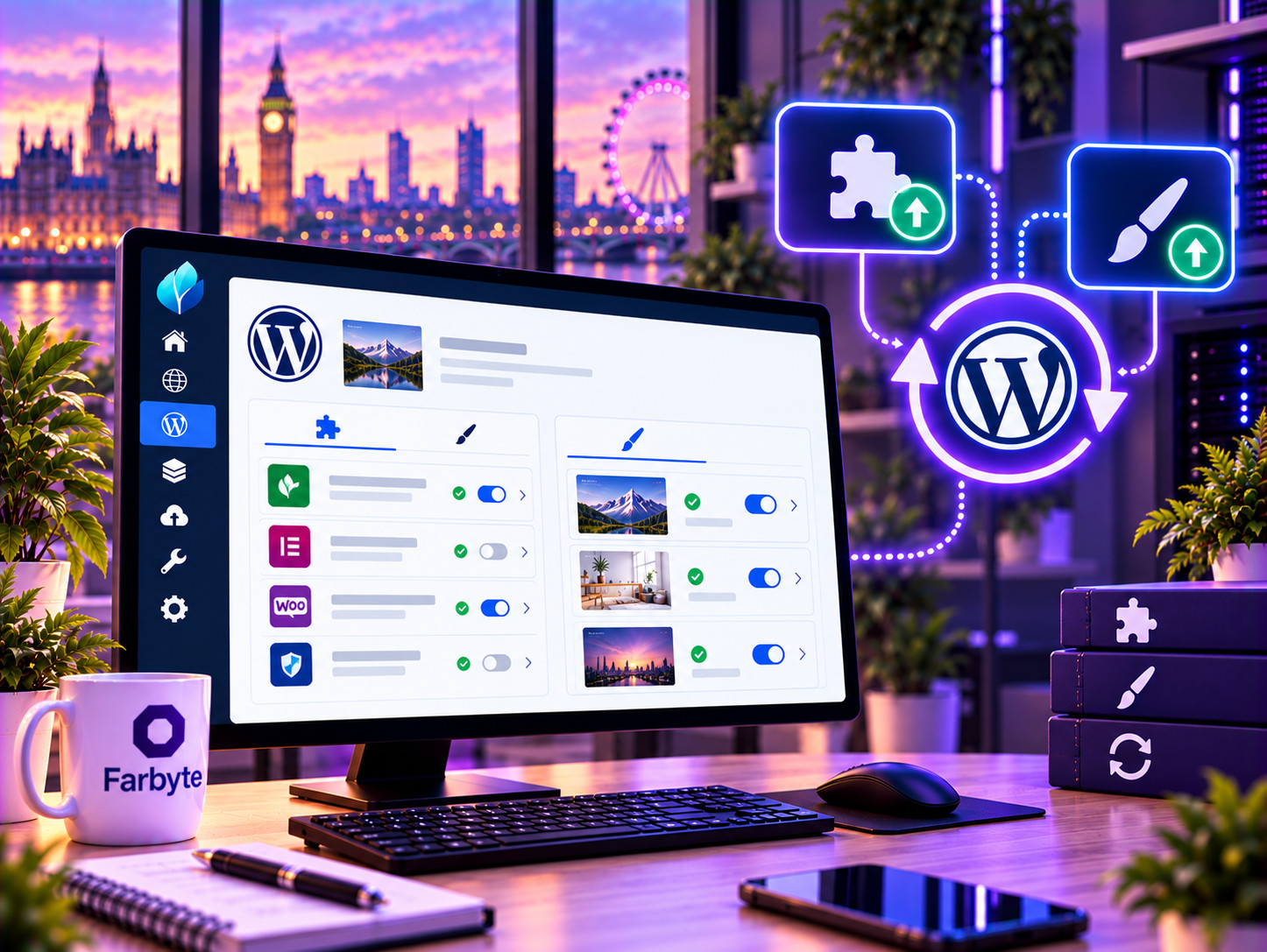
Install, update and manage WordPress plugins directly through the hosting control panel.
Manage WordPress themes from Enhance, including installing and managing themes for your website.
Create staging environments and clone WordPress websites so you can test changes before applying them to production.
Manage WordPress users, passwords and roles directly from the hosting control panel.
Access your website over SSH and use WP-CLI for command-line WordPress administration and development tasks.
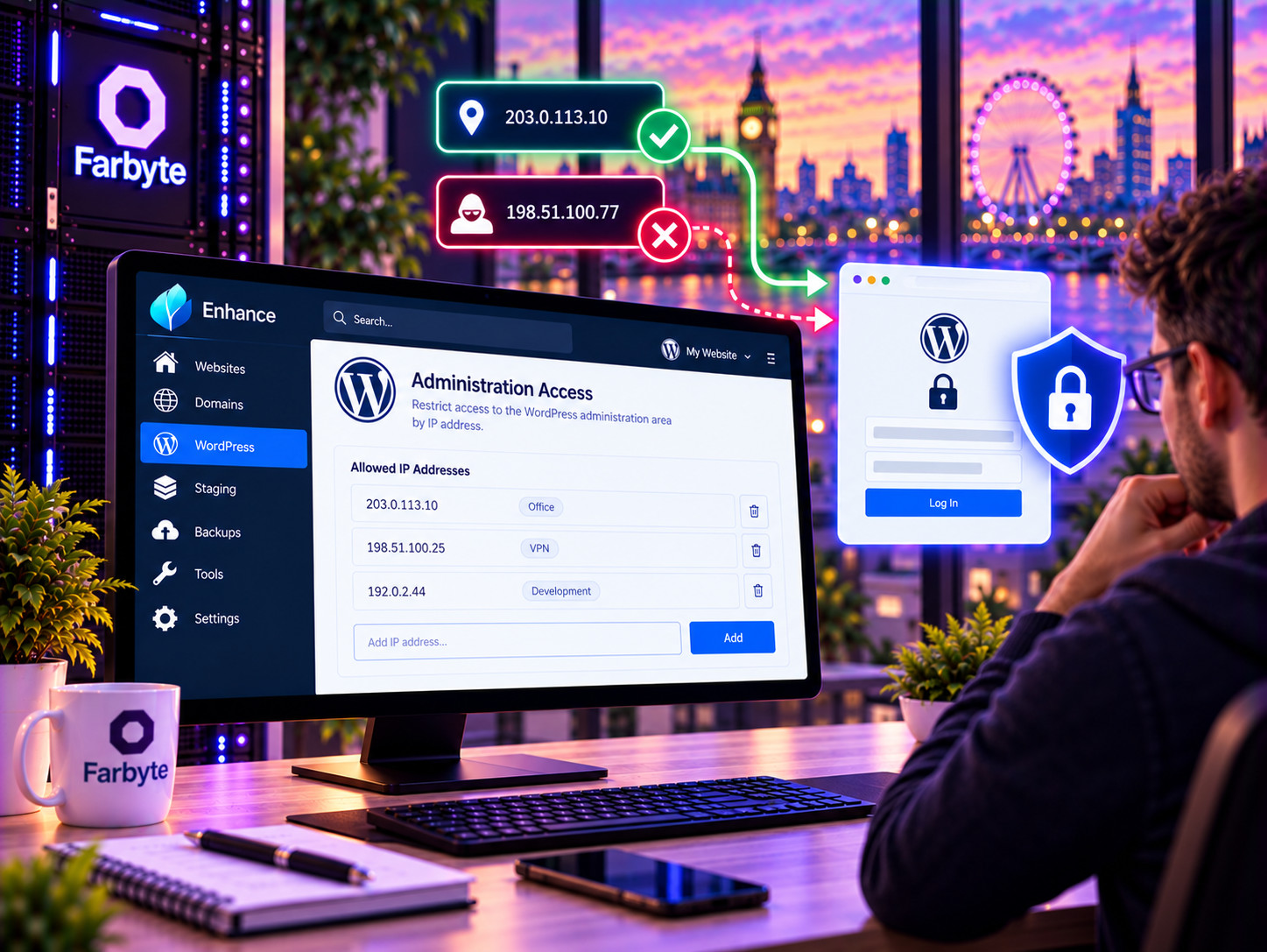
Restrict WordPress administration access by IP address and use the hosting platform's security controls to protect your website.

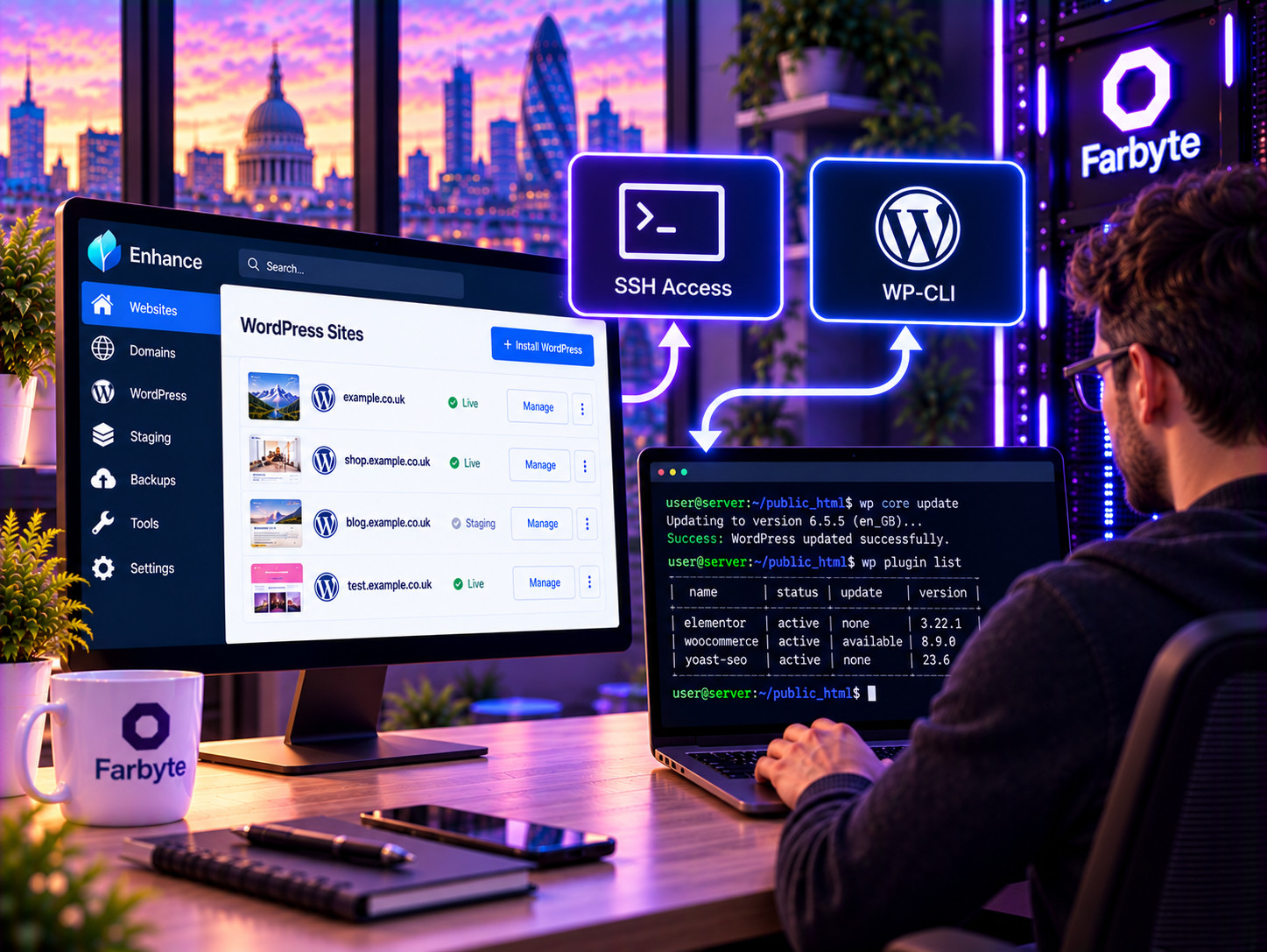
Connect to your website environment using SSH and work directly with your site's files and command-line tools.
Use WP-CLI over SSH to manage WordPress from the command line, including plugins, themes, users, databases and other WordPress tasks.
Manage WordPress databases through the hosting platform and use the tools available for importing, exporting and administering your database.
Schedule automated tasks and background processes for WordPress and other applications running on your hosting environment.
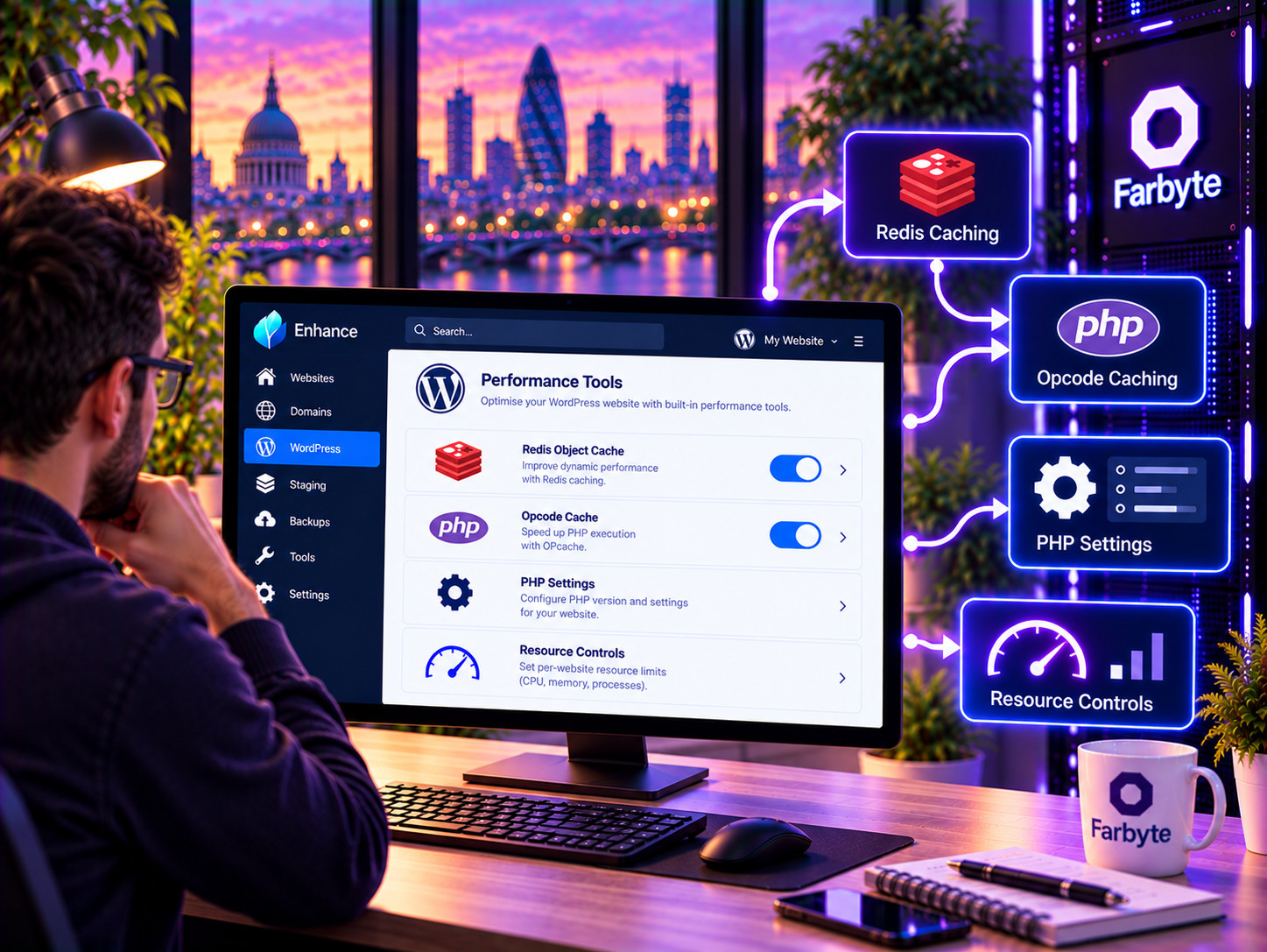
Enable Redis object caching for websites that can benefit from reduced database workload and improved application performance.
Choose the PHP version and manage PHP settings appropriate to your WordPress installation.
Enhance uses containerisation to isolate websites within the hosting platform, helping prevent one site's environment from accessing another.
Websites can use SSL/TLS with automatic Let's Encrypt certificate provisioning and renewal.
Enhance supports ModSecurity and OWASP security rules, providing an additional web application security layer.
Use permission-based access and user roles where additional users or collaborators need access to the hosting environment.
Manage DNS records through the hosting platform, with support for domains, aliases, subdomains and redirects.
Enhance supports Cloudflare integration for customers using Cloudflare to manage their domains and web traffic.
Configure websites to force HTTPS and keep visitor connections protected.
Website resource limits can be applied to help control CPU, memory, I/O and other hosting resources.
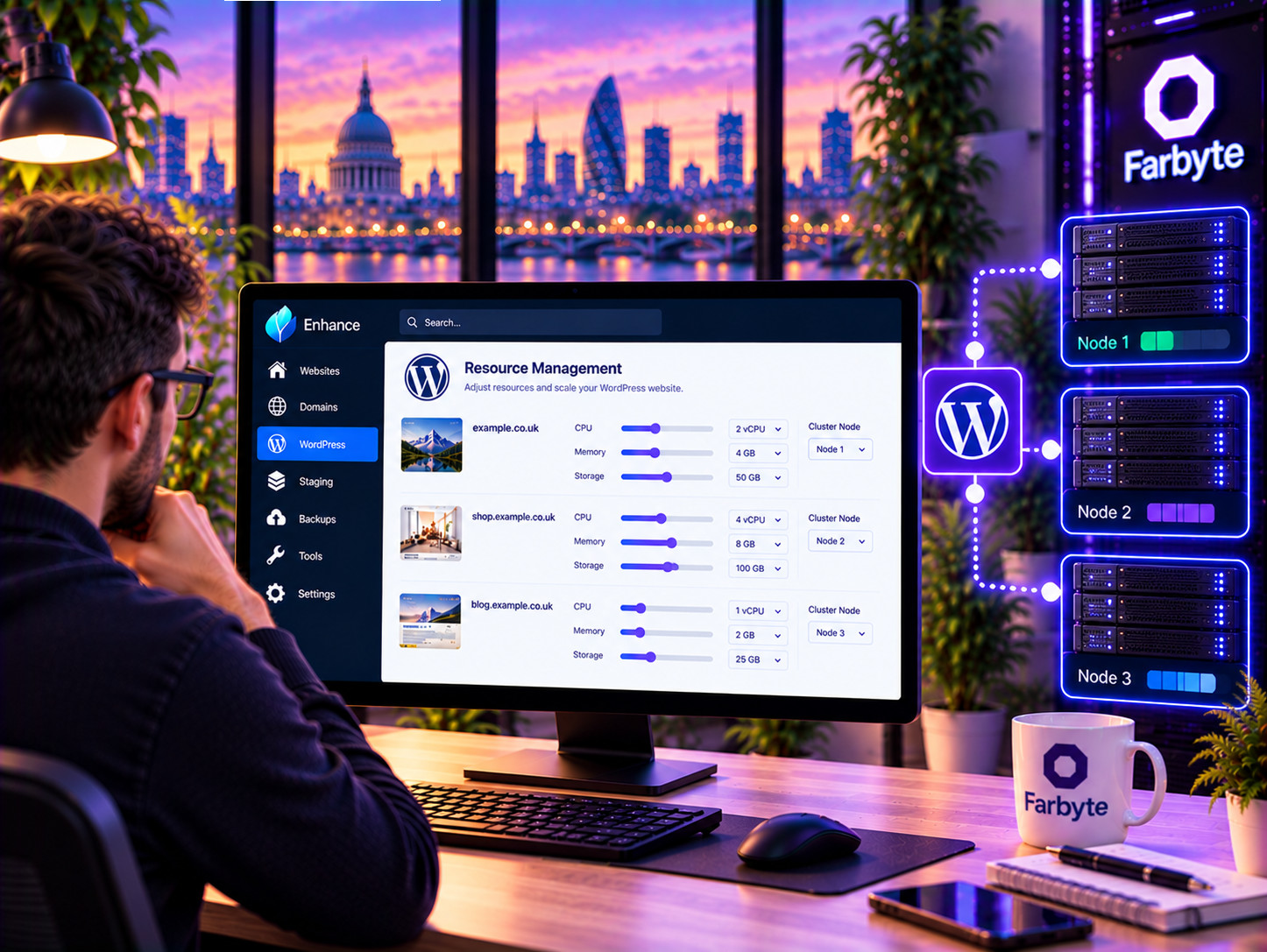
Choose a Managed WordPress package based on the resources and features your website needs. Each package is designed specifically for WordPress and uses the management capabilities available through the Enhance platform.





| Feature | Shared Hosting | Popular Managed WordPress | Business Hosting | WordPress VPS |
|---|---|---|---|---|
| Designed specifically for WordPress | Suitable | Yes | Suitable | Yes |
| WordPress toolkit | Hosting tools | Extensive WordPress tools | Hosting tools | Depends on your setup |
| WordPress updates | Customer managed | Managed tools and automation | Customer managed | Customer managed |
| Plugin and theme management | Customer managed | Integrated management tools | Customer managed | Customer managed |
| Staging | Depends on setup | Included platform capability | Depends on setup | You configure it |
| SSH access | Limited / package dependent | Yes | Package dependent | Yes |
| Root access | No | No | No | Yes |
| Server management | Farbyte managed | Farbyte managed | Farbyte managed | Managed or unmanaged |
| Best suited to | Smaller websites | WordPress-focused customers | Growing business websites | Demanding sites and developers |
Managed WordPress Hosting is a hosting service specifically designed around WordPress websites. Farbyte provides the hosting environment while the Enhance platform provides WordPress-specific tools for installation, updates, plugins, themes, staging, users, debugging and other common WordPress tasks.
Farbyte manages the underlying hosting environment and infrastructure. The Managed WordPress service also provides WordPress-specific management capabilities through Enhance. The exact features and limits available to you depend on your selected Managed WordPress package.
Yes. Enhance provides native WordPress installation through the hosting control panel. You can install WordPress directly onto a new or existing website.
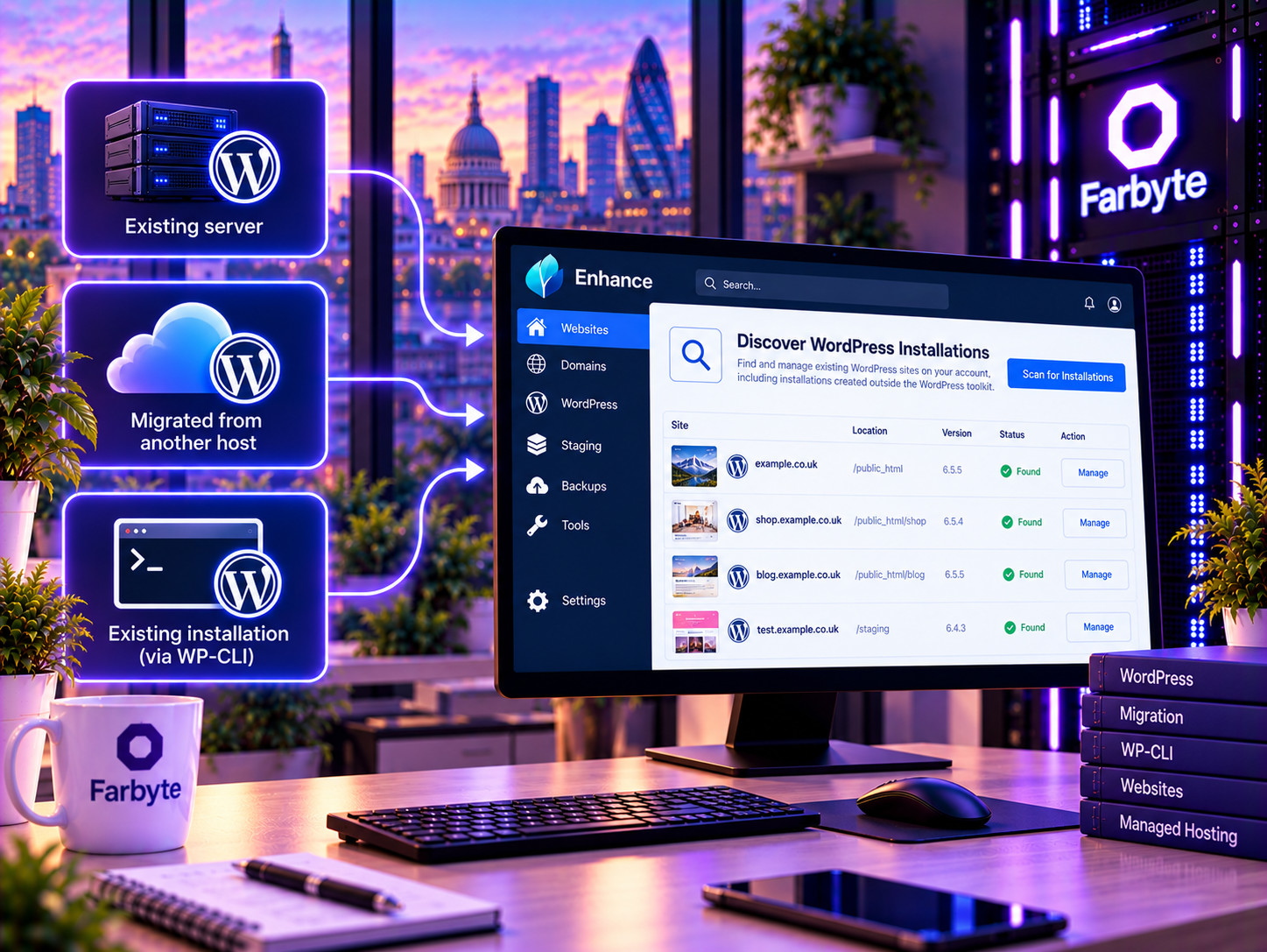
Yes. We can help migrate an existing WordPress website to Farbyte. Enhance can also discover existing WordPress installations, including websites that were installed manually or migrated using other methods.
Yes. Managed WordPress provides SSH access, subject to the package configuration. This allows developers to work directly with the website environment and use command-line tools such as WP-CLI.
Yes. WP-CLI can be used over SSH for command-line WordPress administration, including managing plugins, themes, users, databases and other WordPress tasks.
Yes. Enhance provides plugin and theme management through the WordPress toolkit. You can install, update and manage plugins and themes from the hosting control panel.
Enhance provides configurable automatic WordPress core updates and plugin/theme update controls. The exact update behaviour can be configured according to the service and package.
Yes. Enhance supports staging websites and cloning. This allows you to work on a separate copy of your website before applying changes to the live site.
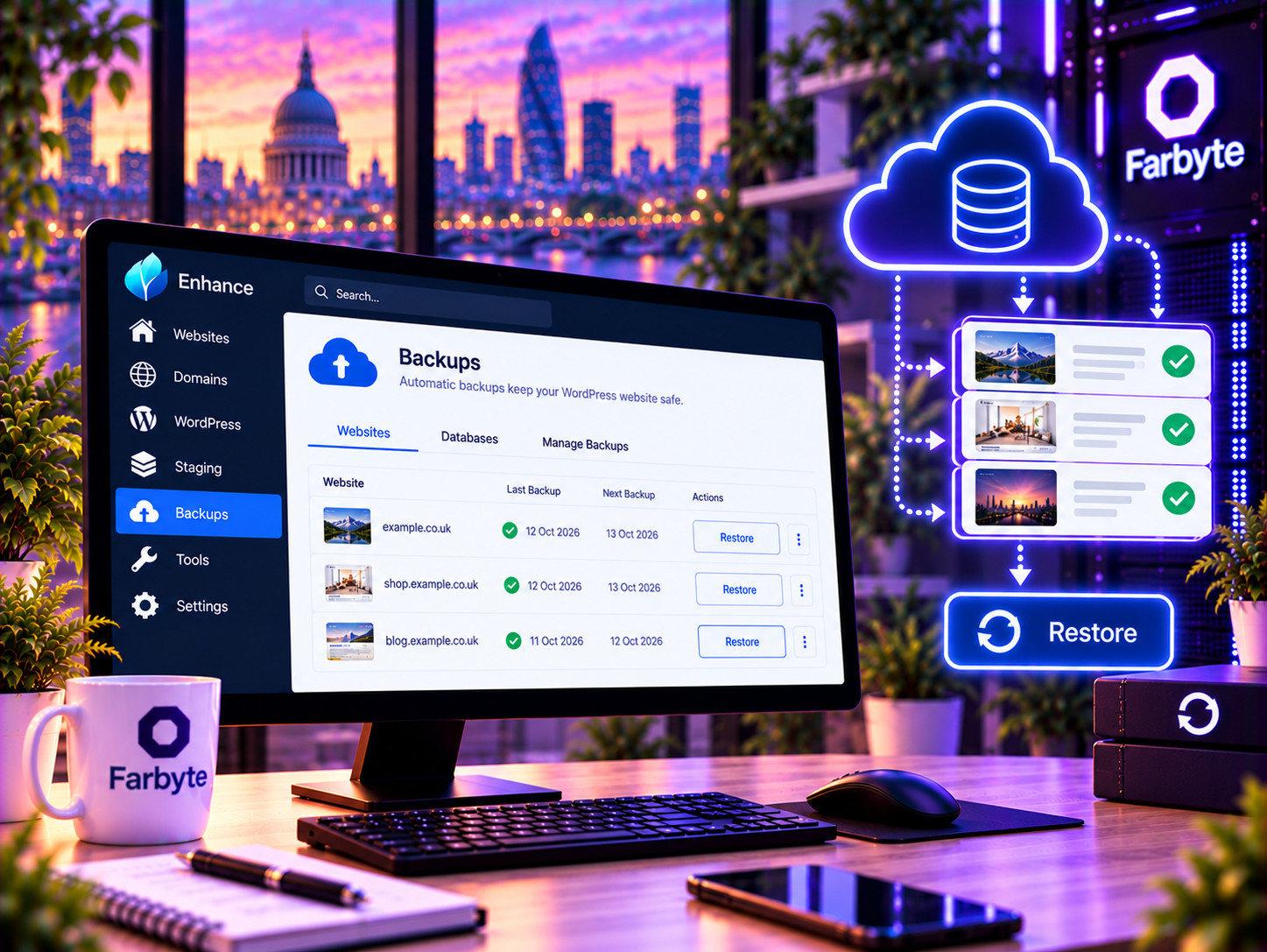
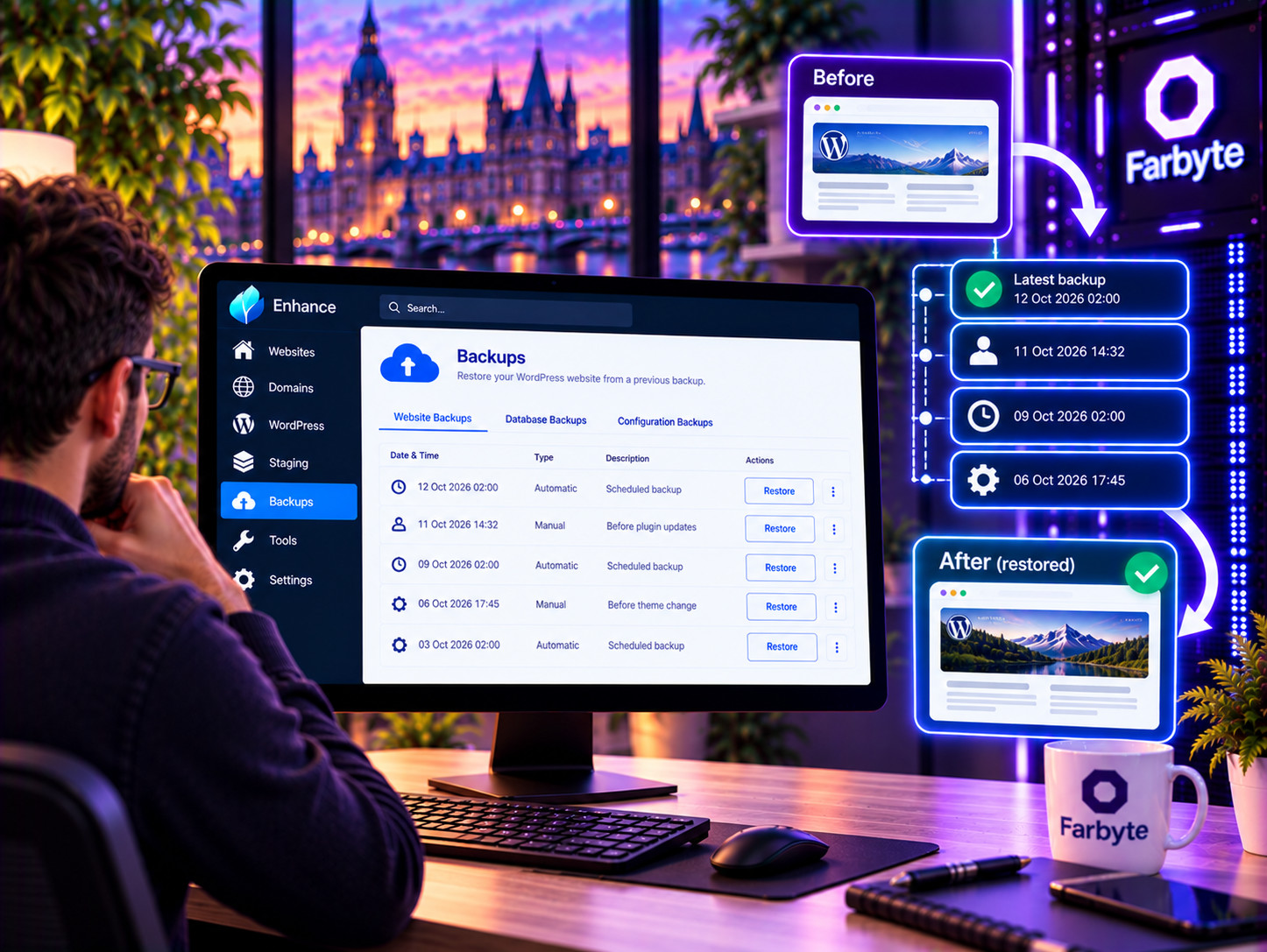
The Enhance platform provides built-in incremental website backups and granular restoration. The backup schedule and retention available to your website depend on the Managed WordPress package you select.
Yes. Enhance’s WordPress toolkit provides WordPress user management, including adding, managing and deleting users and modifying roles and passwords.
Yes. Enhance provides WordPress single sign-on, allowing you to access the WordPress administration area directly from the hosting control panel.
Yes. Enhance supports restricting access to the WordPress administration area by IP address. This can provide an additional access-control layer for administrator areas.
Enhance supports Redis object caching on a per-website basis. Whether Redis is enabled or appropriate for your website depends on your package and application requirements.
Yes. WooCommerce runs on WordPress and can be hosted on Managed WordPress. For larger or more demanding stores, you may want to consider dedicated WooCommerce VPS hosting.
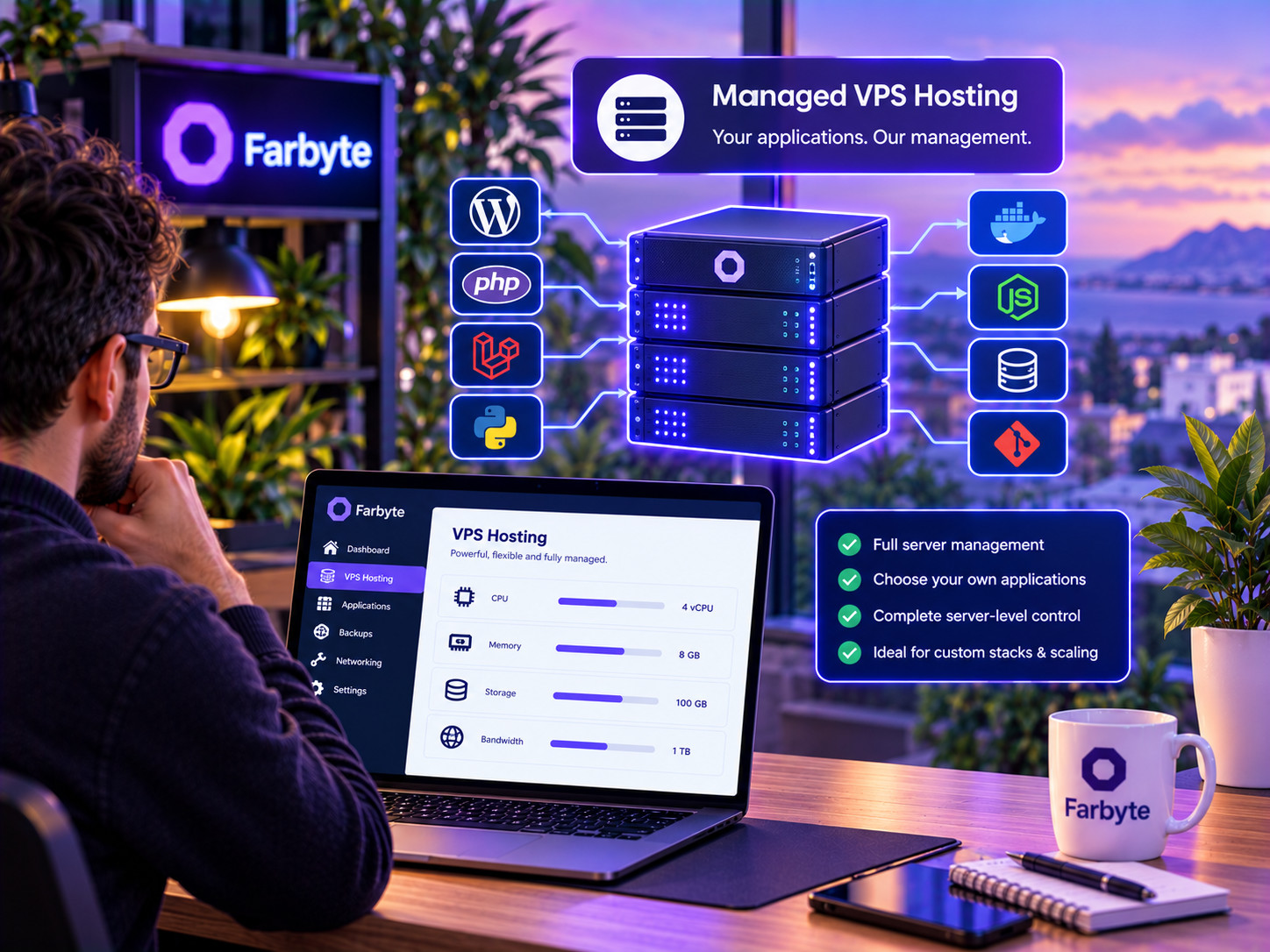
No. Managed WordPress is specifically focused on WordPress websites and WordPress management. Managed VPS is a general-purpose managed virtual server where Farbyte manages the server but you retain responsibility for the applications running on it.
No. Managed WordPress is a managed website hosting service rather than a dedicated virtual server. You get the website-level tools and SSH access appropriate to the service, while Farbyte manages the underlying hosting infrastructure.
Yes. If your website outgrows Managed WordPress or needs server-level control, you can move to a WordPress VPS with more resources and full root access.
Farbyte Managed WordPress runs on UK-based hosting infrastructure. The underlying platform is operated and supported by Farbyte.
Get WordPress-specific management tools, automated deployment, updates, staging, backups, SSH and WP-CLI on Farbyte’s UK hosting infrastructure.