
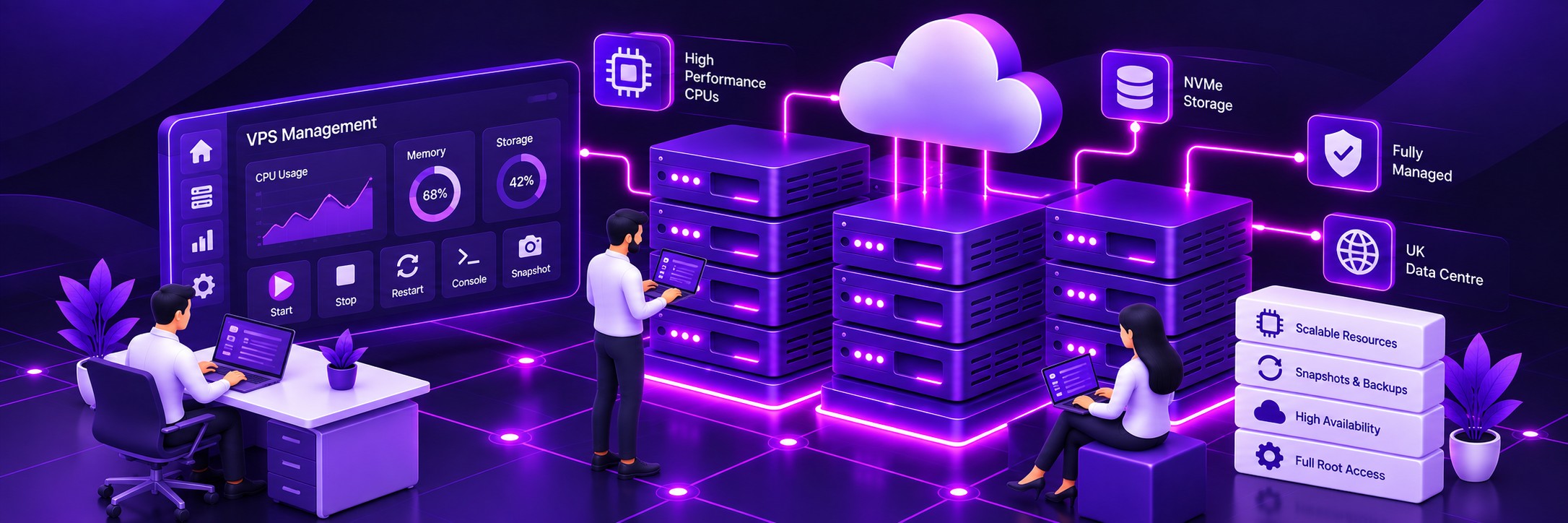
Dedicated Virtual Resources
Your VPS has its own allocated CPU, RAM and storage resources rather than sharing an account-level resource pool with other websites.
Run WordPress on your own high-performance KVM virtual server with dedicated resources, full root access and the flexibility to configure the environment around your website.
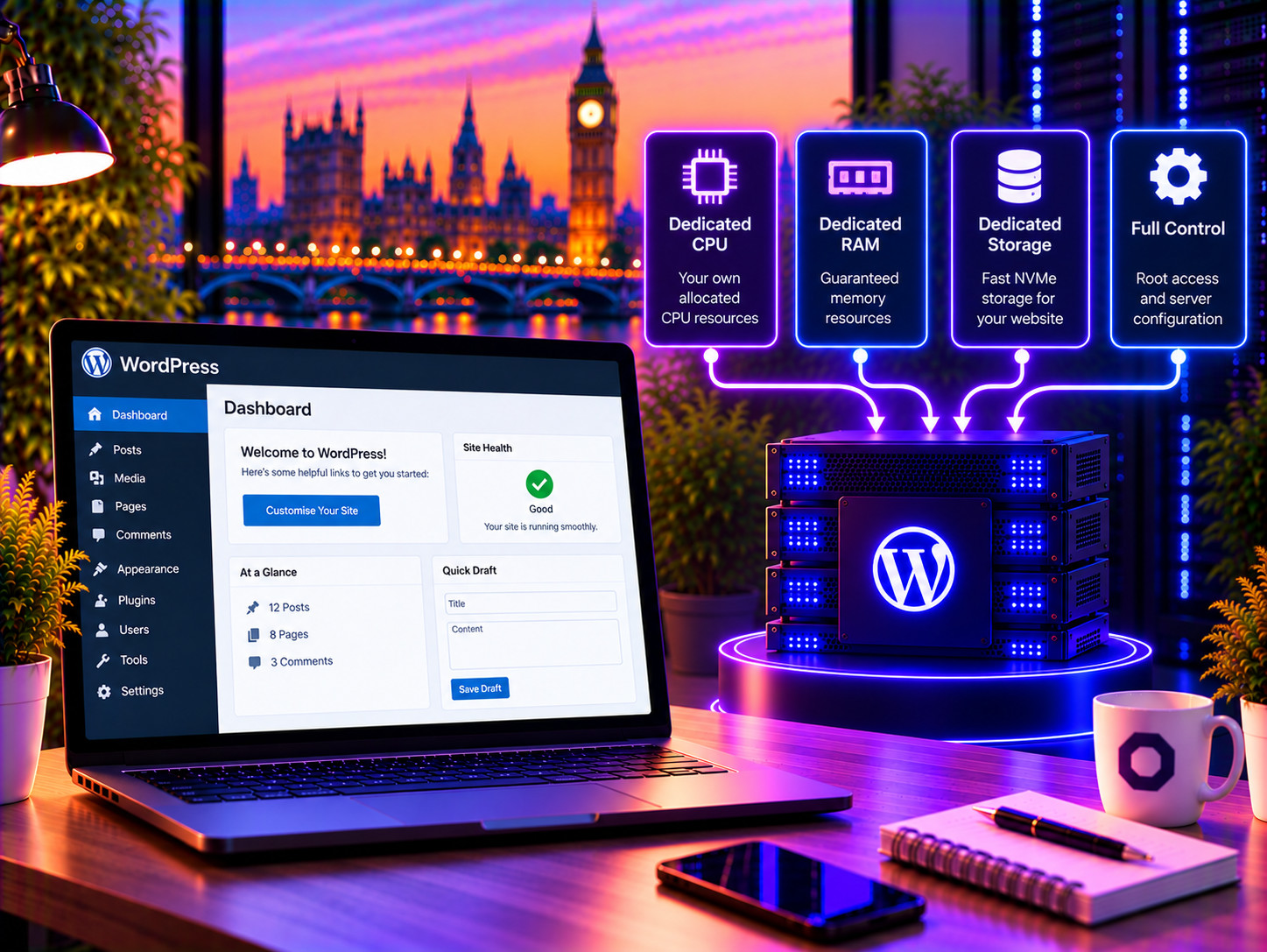

Choose the resources and options that fit your WordPress website. You can increase your VPS capacity as your requirements grow.
Your VPS has its own allocated CPU, RAM and storage resources rather than sharing an account-level resource pool with other websites.
Configure the operating system, web server, PHP, databases, caching and other server components to suit your WordPress environment.
Increase your VPS resources as your website becomes larger or more demanding, without moving to a different hosting platform.
Run WordPress in its own virtual server environment with its own operating system, services and configuration.
Use server-level tools and configuration options that aren't available with conventional shared WordPress hosting.
Choose a managed VPS if you want Farbyte to look after the server, or an unmanaged VPS if you want to manage the environment yourself.




Choose the CPU capacity appropriate for your website and increase it as your workload grows.
Allocate memory according to your WordPress, database, caching and application requirements.
Run WordPress and its database on high-performance NVMe cloud storage.
Your VPS runs on Farbyte's UK hosting infrastructure with high-capacity network connectivity.
Protect your VPS with appropriate firewall and security controls for your environment.
Choose backup and snapshot options appropriate to the importance of your WordPress website.
Farbyte infrastructure is monitored around the clock to help identify infrastructure problems.
Increase VPS resources as your website develops rather than rebuilding on a different hosting platform.
| Feature | Shared Hosting | Business Hosting | Managed WordPress | Popular WordPress VPS |
|---|---|---|---|---|
| Dedicated virtual server | No | No | No | Yes |
| Root access | No | No | No | Yes |
| Server configuration | Standardised | Managed environment | WordPress-focused | Fully configurable |
| Resource model | Shared account | Higher-resource hosting | Managed WordPress environment | Dedicated VPS resources |
| WordPress management | Self-managed | Self-managed | WordPress-focused management | Self-managed unless separately managed |
| Server management | Farbyte managed | Farbyte managed | Farbyte managed | Managed or unmanaged |
| Best suited to | Smaller websites | Growing business websites | Customers wanting WordPress management | Demanding websites and developers |
A WordPress VPS is a virtual private server used to host a WordPress website. Unlike conventional shared hosting, the VPS provides its own virtual server environment with allocated resources, its own operating system and full root access.
A VPS is useful when your WordPress website needs more resources, greater isolation or more control than shared hosting provides. It is also useful when developers need to customise the server environment around WordPress and other applications.
A VPS can provide a more consistent resource environment than shared hosting because your virtual server has its own allocated resources. However, actual WordPress performance depends on the website, server configuration, plugins, database workload, traffic and application design. A VPS is not automatically faster simply because it is a VPS.
Not necessarily. Many smaller WordPress websites can run successfully on Shared or Business Hosting. A VPS becomes more useful when your website needs additional resources, server-level control, isolation or a customised environment.
Yes. WooCommerce runs on WordPress and can be hosted on a VPS. If your website is primarily an ecommerce store, Farbyte also offers dedicated WooCommerce VPS hosting with the service focused specifically on ecommerce workloads.
You can choose between Managed and Unmanaged VPS hosting. With a Managed VPS, Farbyte manages the underlying server. With an Unmanaged VPS, you are responsible for the server, operating system, security and configuration.
Managed VPS focuses on the underlying virtual server rather than the WordPress application itself. If you need WordPress-specific management such as WordPress, plugin and theme management, our Managed WordPress service is designed for that purpose.
Yes. WordPress VPS customers receive full root access to their virtual server, allowing you to configure the operating system and server environment as required.
Yes. With full root access, you can install and configure software appropriate for your VPS environment, subject to the applicable service terms and technical requirements.
Yes. A VPS can host multiple WordPress websites when the available CPU, RAM, storage and server configuration are suitable for the combined workload.
Yes. Farbyte can help migrate your existing WordPress website to your new VPS and assist with the transition to the new hosting environment.
Yes. VPS resources can be increased as your requirements grow. You can adjust the CPU, RAM and storage configuration rather than having to move your website to an entirely different hosting platform.
Your WordPress VPS runs on Farbyte’s UK-based hosting infrastructure. The infrastructure is operated and supported by Farbyte.
Yes. An Unmanaged VPS provides full root access and is suitable for developers and system administrators who want complete control over the server and WordPress environment.
Configure a WordPress VPS with the CPU, RAM, storage and options your website needs. Choose managed or unmanaged hosting and scale your resources as your website grows.